How to project song lyrics at church: complete 2026 guide
Step-by-step guide to projecting song lyrics at church: hardware, software, typography, offline mode and common mistakes that ruin the service.

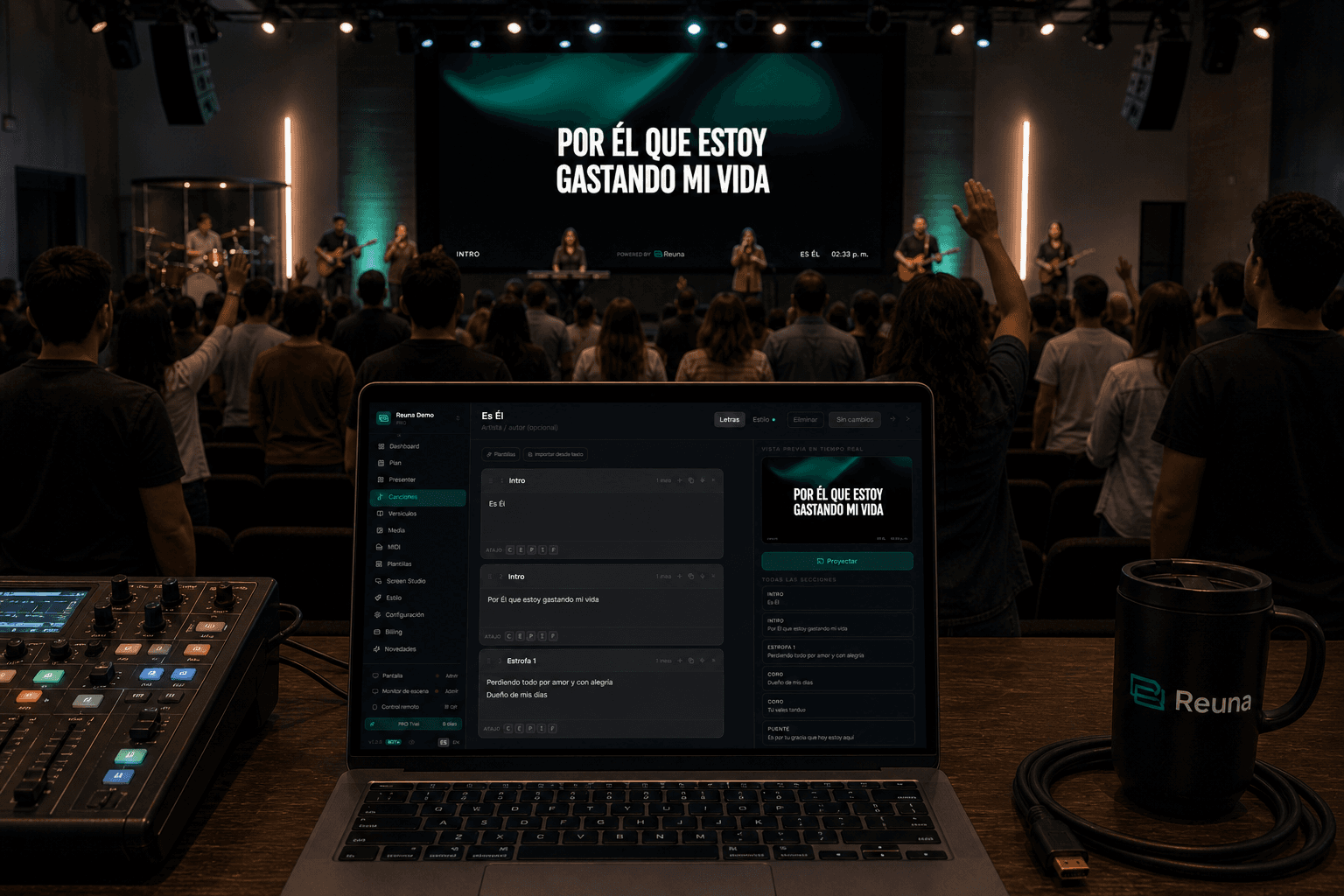
Projecting song lyrics at church seems simple. Until Sunday morning when the HDMI cable doesn''t fit, the lyrics are in a font no one can read from the back row, or the projection operator picks the wrong song and the entire worship team loses the beat.
This guide covers everything you need to know to project well — from minimum hardware to the details that separate amateur projection from professional. It''s written for small and mid-size churches in Latin America and beyond, where budgets are tight but excellence matters.
The bare minimum you need
You don''t need to spend thousands of dollars to project well. The minimum equipment is:
- A computer with a modern browser. Any laptop, Mac, or PC running Chrome, Firefox, or Edge will work. No dedicated machine required.
- A screen or projector. A 50" TV often costs less than a decent projector and looks better in most churches. If your sanctuary is large with natural light, you''ll need a projector with at least 4000 lumens.
- A long HDMI cable. Measure the distance from the PC to the screen and add 2 meters. Cables longer than 10 meters may need a repeater or a network-based solution (Chromecast, Mini PC).
- Basic internet connection. 5 Mbps WiFi is enough for Reuna. Bibles can be downloaded for offline use during the service.
What you don''t need: a video mixer, a capture card, or a full-time technician. If you can run PowerPoint, you can run modern presentation software.
Software: the options you have
There are three main paths:
PowerPoint or Keynote
Works, but creates more problems than it solves as you grow. Each song is a separate file, lyrics drift when changing verses, and there''s no remote control from your phone. Workable for very small churches with a fixed setlist, but the prep-time cost is high.
ProPresenter, EasyWorship, MediaShout
These are the names you''ll hear most. They''re built for large churches with dedicated technical teams. Their downsides: dollar pricing ($99 to $599 per year), mandatory installation, Mac/Windows only, and mostly English-only support. For an 80-person church anywhere outside the US, the cost is disproportionate.
Reuna and other web-based options
Reuna runs in the browser. No installation, works on any device, with a permanent free plan. The song library is shared across the team, remote control comes free with your phone scanning a QR, and the stage monitor for musicians is included.
Typography: the detail that changes everything
Rule number one of projection: if it doesn''t read from the back row, it doesn''t work. The decisions that most affect readability:
- Sans-serif fonts always. Forget Times New Roman or Georgia. Inter, Onest, Manrope, or Roboto are safe bets.
- Large size, semibold or bold weight. On a 1080p screen, the lyric text should occupy 6%–8% of the total height.
- High contrast. White on black or very dark backgrounds is the most legible. If you use an image or video background, add a dark overlay at 40–60% opacity.
- Subtle shadow or stroke. A soft shadow (4–8px blur, 50% opacity) makes the text "float" over any background and stay legible even when the background changes brightness.
- 6–7 lines per slide max. If a verse is long, split it into two slides. Better to break between phrases than to leave a wall of text.
Service plan: the difference between chaos and order
The most common mistake in small churches: the operator gets the song list via WhatsApp 30 minutes before the service. Impossible to prepare well.
The fix is to build a digital service plan during the week. Reuna lets you organize it via drag & drop with all elements: songs, scriptures, announcements, countdown. The worship director sets the order, the pastor adds the message, and the operator shows up Sunday with everything ready.
Three golden tips:
- Estimate per-item duration. Reuna sums the total and warns if you''re running over.
- Use private notes — only the operator sees them, never projected. Perfect for "wait for the band''s chorus before advancing."
- Re-order live if needed. The service is dynamic; the plan should be too.
Offline mode: the plan B you must have
Internet at church goes down. It''s a law of nature. Make sure your software can keep projecting even if WiFi dies.
Reuna downloads complete Bibles (KJV, NIV, ESV, RVR1960, NVI, NTV) into the browser and stores them in IndexedDB. Once downloaded, you can search and project any verse without internet. Songs are cached locally as well.
If you use other software, verify this before choosing: what happens if the internet drops 5 minutes before the service? If the answer is "we don''t project," look elsewhere.
Common mistakes that ruin the service
- Swapping the HDMI cable without testing. Every hardware change must be tested on Saturday, not Sunday at 9:55am.
- No stage monitor. Musicians without a monitor lose the beat and look at the operator. A stage display on any old TV or tablet solves this.
- Operating from the same machine that projects. Any operator window (notifications, messages) shows on screen. Use a second machine or the phone remote control.
- Trusting that lyrics are "in the cloud". Verify live: test the first 2 verses Saturday night with the actual screen, not the preview.
The next step
If you''re just starting, don''t buy anything yet. Try a free web-based option like Reuna with the TV or projector you already have. You''ll find out what works in your context before investing.
If your church already projects and wants to improve: review typography, digital service plan, stage monitor, and offline mode. Those four changes already transform the experience for both the worship team and the congregation.
Ready to try Reuna?
Get started for free with no install. Forever-free plan, no credit card required.
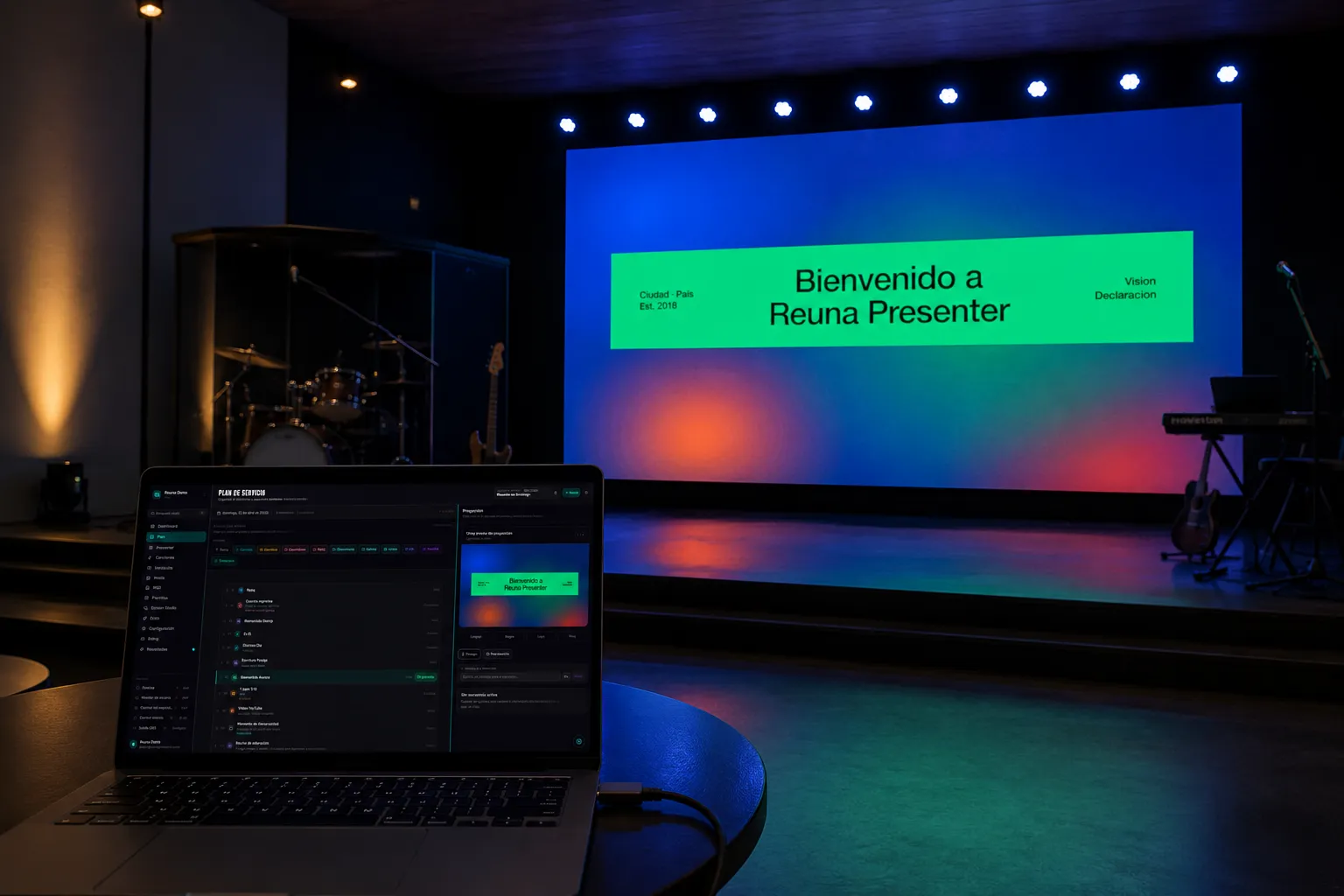
How to Connect a Projector to a Laptop for Church (Step-by-Step Guide)
A complete guide to connecting your laptop to a church projector: cables, display settings, common problems, and what software to use for projection.
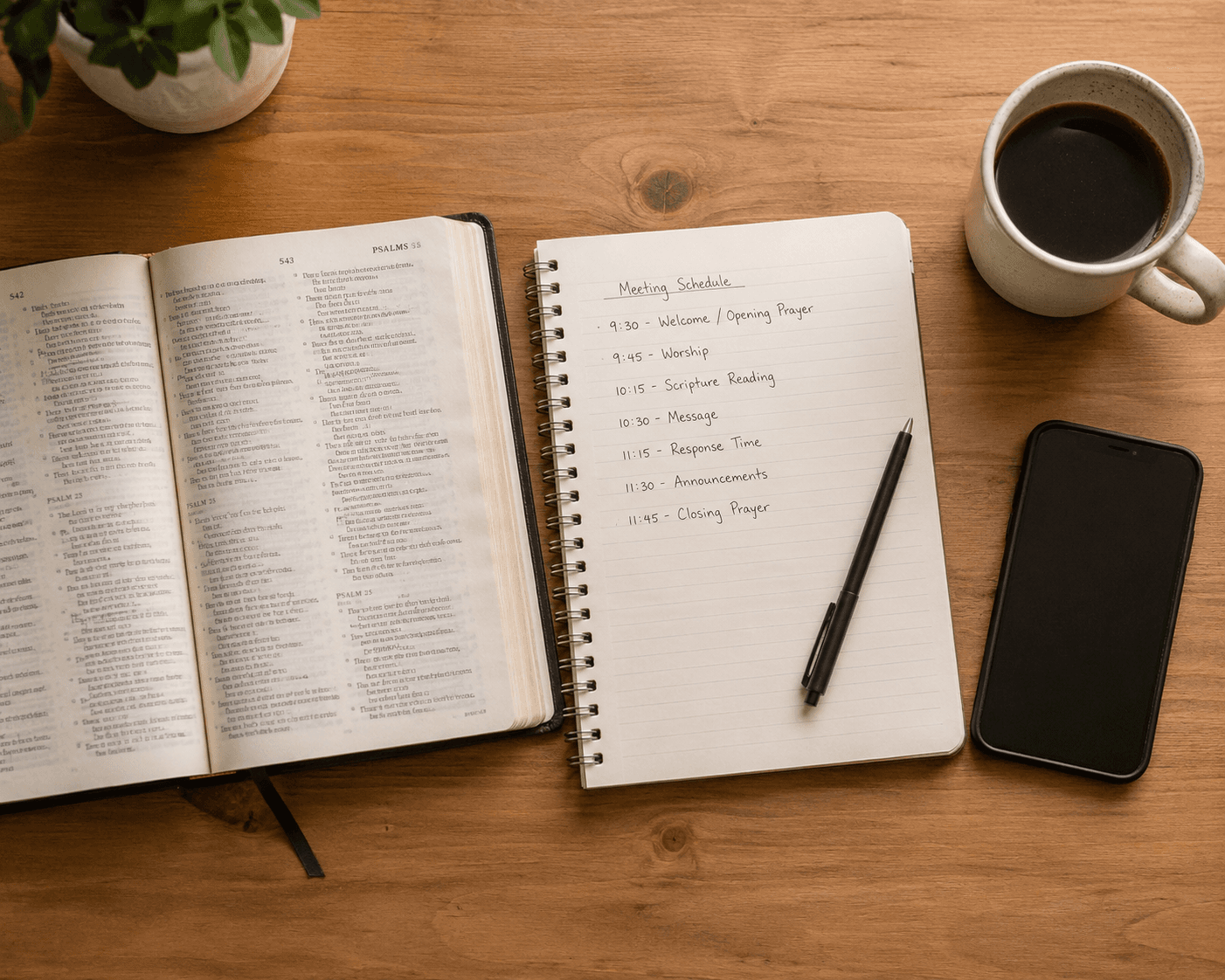
How to Create a Church Service Plan (Practical Guide 2026)
Step-by-step guide to organizing your local church service plan: what to include, how to order it, and how to manage it digitally from one screen.
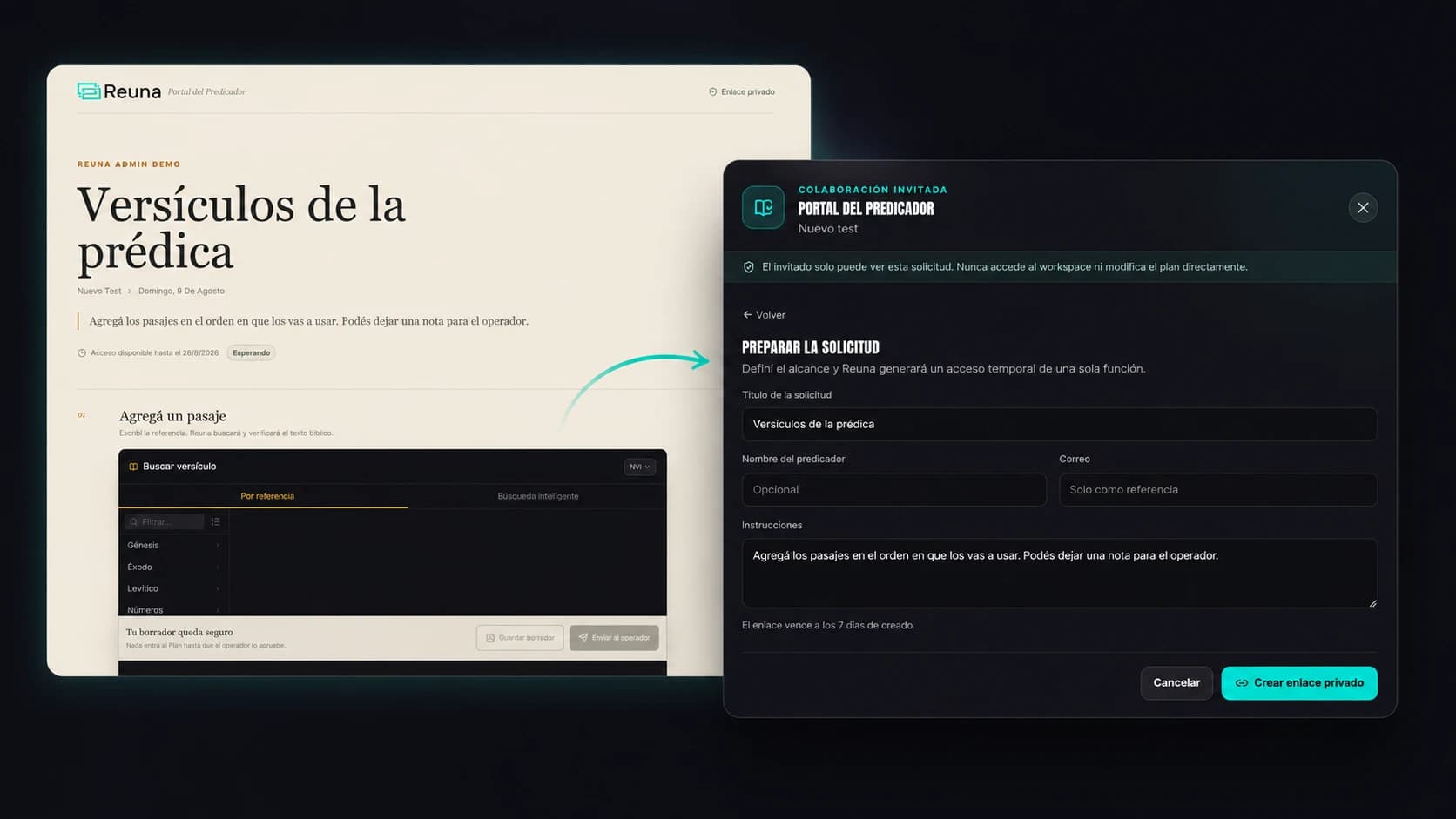
Preacher Portal: No More Chasing Your Guest Speaker Over WhatsApp
Reuna's Preacher Portal lets a guest speaker add their scripture references from their phone, no account needed, while you approve every item.