01
Build the plan
Songs, verses, announcements and countdowns in one place. Drag, reorder and assign timings.
Project lyrics, verses and templates from the browser or the app for Mac and Windows. Service plan, QR remote control, multi-screen. Free to start.
More than 1000 churches use Reuna every week
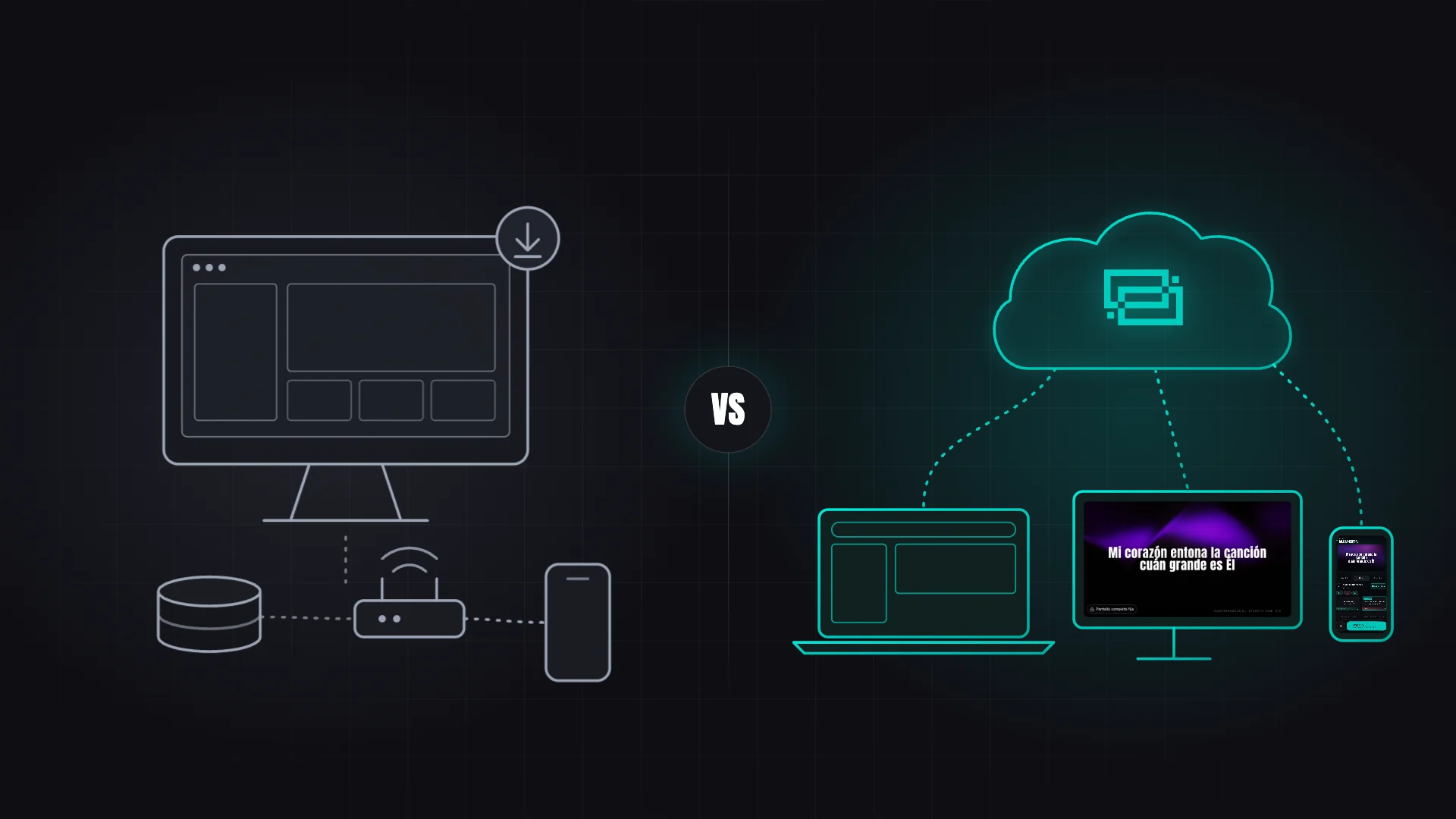
No per-machine licences: start in the browser without installing anything and you're already building your next service. To project, use the browser or the free app for Mac and Windows, which opens each output on the right monitor by itself.
See the full walkthroughSongs, verses, announcements and countdowns in one place. Drag, reorder and assign timings.
Main screen, stage monitor, OBS overlay and remote control. Each in its own window, from the browser or the desktop app.
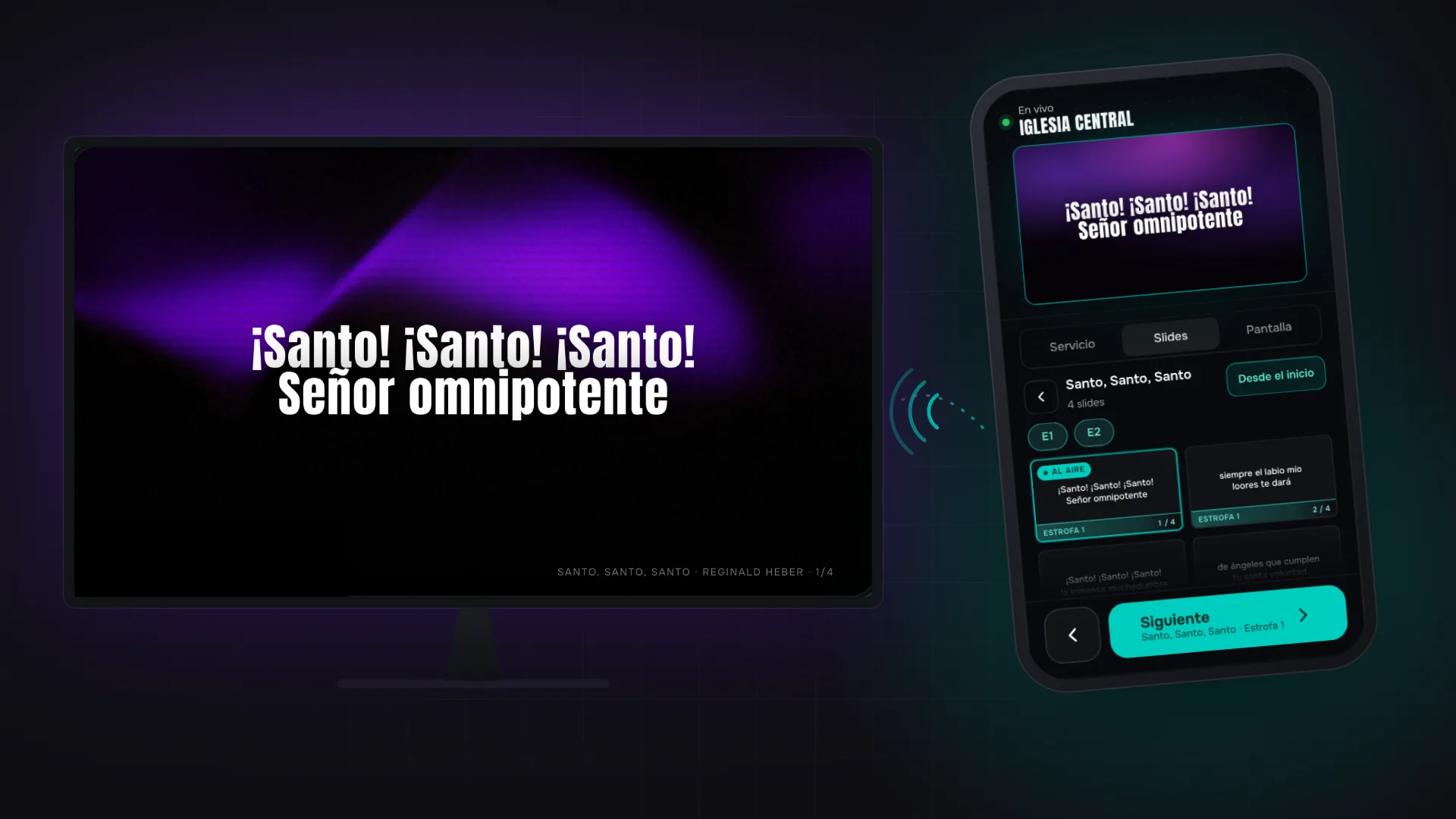
Everything synced in real time. Advance slides from the computer or from a phone by scanning a QR.
No renders or made-up mockups. These are the actual screens of the application.
Unlimited resolution. Customizable background: solid color, image or video. Centered text with configurable typography and slide transitions.
Main output · congregation
The stage monitor shows the current slide, the next one, a real-time clock and a timer for the current item. Opens on any browser-enabled device.
Stage monitor · for the team only
Scan the QR and it opens in the phone's browser, no app or installation. Browse the service, open each item's slides and project in two taps while you see what's on air.
Copy a transparent OBS Browser Source URL and show lyrics, scriptures or countdowns as lower thirds in your stream.
OBS Browser Source · lower third
Prepare the service anywhere, in the browser. On the church computer, Reuna's free app opens every output on the right monitor by itself, fullscreen, with the same account.
Mac and Windows, at no extra cost on any plan. Sign in and everything is there, and it updates itself.
Reuna shows you the connected displays and opens the output there, fullscreen. If the projector drops, the output waits and comes back when it returns.
No prompt or pop-up can knock your outputs out of fullscreen. And while you're projecting, the computer doesn't go to sleep.
Free on every plan. On Linux and Chromebook, use Reuna in the browser.


Search a reference or a word, choose the passage and prepare it for your service. Scripture, integrated into Reuna with YouVersion.
The same Scripture you read in the Bible App, integrated into your service plan and ready to share with your church.
It also filters the book list as you type. Shortcut: /
The Holy Bible, New International Version® NIV® Copyright © 1973, 1978, 1984, 2011 by Biblica, Inc.® Used by Permission of Biblica, Inc.® All rights reserved worldwide.
1 verse · NIV
John 3:16
Welcome, scripture, worship, offering, prayer, communion, events and more. Fill in the fields, pick a background and project. The designs below are the app's real templates, rendered live.
Dark Veil, Silk, Pixel Blast, Dither, Vitral and many more — WebGL-rendered in real time behind your lyrics, with configurable colors and speed. What you see here is the app's real engine.
One private link per service for the guest preacher and another for the worship team: they pick passages, ideas and songs from their phone, no account needed, and you approve every item before it enters the Plan.
The preacher builds the sermon on a paper page: verified passages, categorized ideas and the order they'll use them in.
Each link is private, tied to one service and expires after 7 days. You can revoke it or issue a new one anytime.
The preacher searches the real Bible text; musicians search your repertoire or online, or paste the lyrics, and add the chords.
Accept, exclude or request changes item by item. Once approved, everything enters the Plan in the order they built.
Connect Claude or ChatGPT to your church in Reuna. Give it the sermon document and it leaves the verses and key points in the Plan, ready to review.
On the Pro and Church plans. You use your own AI account, at no extra cost in Reuna.
Put together the verses and key points for Sunday.
Done. I left 2 verses and 3 key points in Sunday's Plan for you to review.
6Do not be anxious about anything, but in every situation, by prayer and petition, present your requests to God…
3You will keep in perfect peace those whose minds are steadfast, because they trust in you.
The AI only leaves the request. Nothing enters the Plan until you approve it.
No credit card required for the Free plan. Cancel anytime.
To get started and explore the platform
For churches with active services
For ministries with multiple teams
Prices in USD. Pay with PayPal or an international card in USD, or with MercadoPago in pesos if you're in Argentina.
We stopped depending on one computer to project. Reuna lets us prepare the service and control lyrics from the browser.
The remote control changed everything. I can be on stage playing and advance the slides myself from my mobile device.
We set it up two days before a big event and it worked perfectly. No complications.
Not to get started: Reuna works fully in the browser. To project from the church computer we recommend the free app for Mac and Windows, which opens every output on its projector and keeps it fullscreen. Network screens, the stage monitor and the phone remote open from a link or QR code, with nothing to install.
Reuna has an app for Mac and Windows, and works on any device with a modern browser: Windows, macOS, Linux, ChromeOS, iOS and Android. Chrome, Firefox, Edge and Safari are all supported.
Yes, as long as you've opened Reuna with internet on that computer. If the connection drops during the service, live projection isn't interrupted, and the app reopens offline with your last saved session (up to 7 days). Your plan, songs, scriptures and media are saved on the device, and with “Prepare service” you download the service's images, videos and backgrounds ahead of time. What does need a connection is the phone remote control, network screens, YouTube and anything you haven't opened yet on that device.
Yes. Reuna imports songs from ProPresenter and OpenLyrics files, and from plain text. You can also paste lyrics directly and organize them into sections (verses, choruses, bridges).
No. The Free plan is free forever. It includes 1 screen and up to 70 songs in your library. There's no X-day trial — it's permanent.
Yes. No contracts, no minimum periods. Cancel from your account with one click. When you cancel, you automatically return to the Free plan without losing your data.
Practical guides, comparisons and real-world case studies to improve projection and service flow at your church.