FreeShow Alternative: What Changes With Reuna and When to Stay Put
FreeShow is free, open source and packed with features. See how Reuna Presenter differs and when each one is the better fit for your church team.

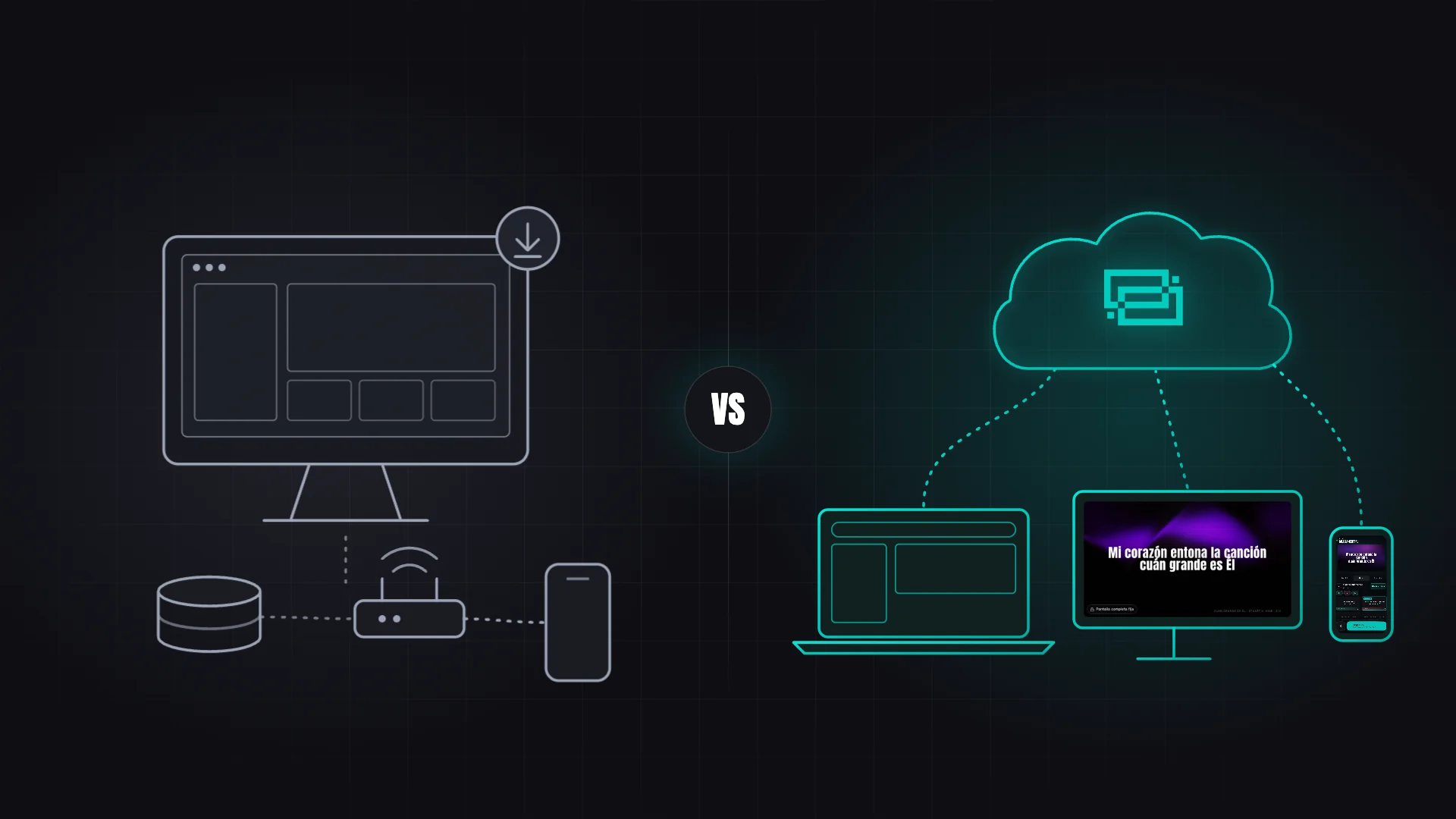
If your church projects with FreeShow, you probably landed there for good reasons: it's free, it's open source and it works. So why look for an alternative?
The question usually comes up on Saturday night, when the worship leader reshuffles the song order and you're at home on a computer with nothing installed. Or when you want to advance slides from your phone and the church Wi-Fi won't let devices see each other. Those aren't FreeShow flaws — they're questions about how your team works.
Here's what FreeShow does really well, where Reuna Presenter is different and when each one makes sense.
What FreeShow does really well
It's worth saying first: FreeShow is one of the most complete free programs out there. It's built by ChurchApps, a nonprofit, and it's 100% free and open source (GPL-3.0), with no paid plans and no locked features. It's also very active: version 1.6.6 shipped on October 9, 2026.
It packs a lot:
- Runs on Windows, macOS and Linux.
- Unlimited outputs with NDI (on Windows and macOS), Blackmagic SDI, RTMP, WebRTC and OMT, plus edge blending.
- Imports songs from nearly twenty programs and formats.
- Free Cloud Sync with a ChurchApps account, plus Planning Center integration.
- Remote control from a browser or an iOS and Android app, a stage display, and control via MIDI, OSC and Companion (Stream Deck).
- Optional scripture detection from the microphone, with local transcription.
- An interface in about 30 languages, Spanish and Portuguese included.
Where the difference is
FreeShow is designed around the computer that projects. Reuna starts somewhere else: your church's workspace lives in the cloud, and every computer, phone or tablet is a door into it.
Prepare from any computer, with nothing to install. You build the service plan in the browser at home and find it waiting at church on Sunday, with the songs, styles and media you uploaded (up to 200 MB on the Free plan, 1 GB on Pro and 5 GB on Church). FreeShow syncs too, but differently: its Cloud Sync is set up with a ChurchApps account and a team created in B1, it doesn't include media, and if the same show is edited in two places, the last saved version wins.
Your phone stays in control even off the church Wi-Fi. FreeShow's remote works with devices connected to the same router. In Reuna, your phone scans a QR code and becomes a mini Presenter that connects over the internet — it can use cellular data — as long as the computer that's projecting has the Plan or the Presenter open and is online too. It's included in the Pro plan (2 phones) and the Church plan (4); see how it works on the remote control page. The flip side: if that computer loses internet, Reuna's remote can't connect, while FreeShow's keeps working on the local network.
A team with roles, and guests without accounts. Everyone signs in with their own user and a role (Owner, Admin, Operator or Member), so the Sunday volunteers can project without touching the room setup. The Preacher Portal gives your guest speaker a no-account link to submit passages, which are checked against the Bible text; the Musician Portal gives the worship team one to pick songs and add chords. Nothing lands in the plan without your approval. The team (5 people on Pro, 10 on Church) and the portals start on the Pro plan.
Design built for the room. Starting with the Pro plan, you get Atmospheres, Masks and frames (cut the projection into a stained-glass window or an arch) and per-section styles, so choruses look different from verses. FreeShow brings plenty of its own (26 animated effects, overlays and blend modes), so this one comes down more to each team's taste.
Bibles your congregation already reads. For Spanish- and Portuguese-speaking churches, Reuna's catalog includes the Reina-Valera 1960, the NTV, the ARA and the NAA. FreeShow's built-in online list didn't include them as of October 9, 2026, although you can add them by importing an XML file.
Spanish-first, and fully in English too. FreeShow's interface is translated into Spanish, but its website and documentation are English-only, and support comes from the community. Reuna is built Spanish-first — the app, the guide and the site are also in English and Portuguese — and you can message the team by chat from inside the app.
And, if you prefer it, a free desktop app for Mac and Windows that opens each output on its own monitor in full screen (just like FreeShow). It's on the download page.
FreeShow vs. Reuna Presenter, side by side
| FreeShow | Reuna Presenter | |
|---|---|---|
| Price | Free and complete, open source | Permanent Free plan; Pro $12/mo; Church $30/mo |
| Where it runs | App for Windows, macOS and Linux | Browser, plus a free app for Mac and Windows |
| Your data | On the computer; free Cloud Sync, without media | In the cloud, with the media you upload |
| Screens | Unlimited, with NDI, SDI, RTMP and OMT | 1, 3 or 5 depending on the plan, plus stage displays from Pro |
| Remote control | Browser and native app, on the same network | Phone via QR code, over the internet (Pro and Church) |
| Team and guests | Team in ChurchApps; plans from Planning Center or B1 | Roles, plus Preacher and Musician Portals (Pro and Church) |
| Language and support | Interface in about 30 languages; English-only site; community | App, guide and site in Spanish, English and Portuguese; in-app chat |
Data verified on FreeShow's website, documentation and GitHub (v1.6.6) in October 2026. For more detail, see our FreeShow vs Reuna comparison.
When should you stick with FreeShow?
FreeShow is probably your best option if:
- Your budget is zero and you need unlimited outputs, a stage display and a remote without paying anything.
- The church computer runs Linux, which Reuna only covers through the browser.
- You work with NDI, SDI or RTMP: FreeShow offers those outputs for free, and Reuna integrates with OBS as a browser source (starting with the Pro plan).
- Your building doesn't have reliable internet and everything, remote included, has to run on the local network.
- You want your software to be open source.
If your team is already comfortable with FreeShow, there's no need to switch.
When does Reuna make more sense?
Reuna makes more sense when the hard part is coordination: several people prepare from different places, you want to run slides from a phone that isn't on the church Wi-Fi, the guest speaker sends last-minute changes, or your congregation reads the RV1960 or the NTV and you want it ready without importing files.
The Free plan never expires and covers a service with one screen; the Pro and Church plans add screens, remote control, portals and design (details on our pricing page). You can try the Pro plan free for 10 days with no credit card from inside the app, although during the trial the team is just you. Create your free account, build next Sunday's service plan from home and compare for yourself.
Frequently asked questions
Does FreeShow need an account to work?
No. You download it and use it without an account; it only asks for a free ChurchApps account for its Cloud Sync or the B1 integration, and a Planning Center account for that integration.
Does Reuna work offline like FreeShow?
Partly. If you've used Reuna online on that computer in the last 7 days, the app opens without a connection and projection keeps running even if the network drops; click “Prepare meeting” before the service, while you're online, to download your media. Changes aren't saved while offline, and the remote, network screens and the OBS output need internet.
Does Reuna's free plan expire?
No. The Free plan is permanent and doesn't ask for a card: it includes 1 screen, 70 songs, 4 saved services and the Bible library. The stage display, the remote and the portals start on the Pro plan.
Ready to try Reuna?
Start free in the browser, with nothing to install. Forever-free plan, no credit card, and a free app for Mac and Windows.
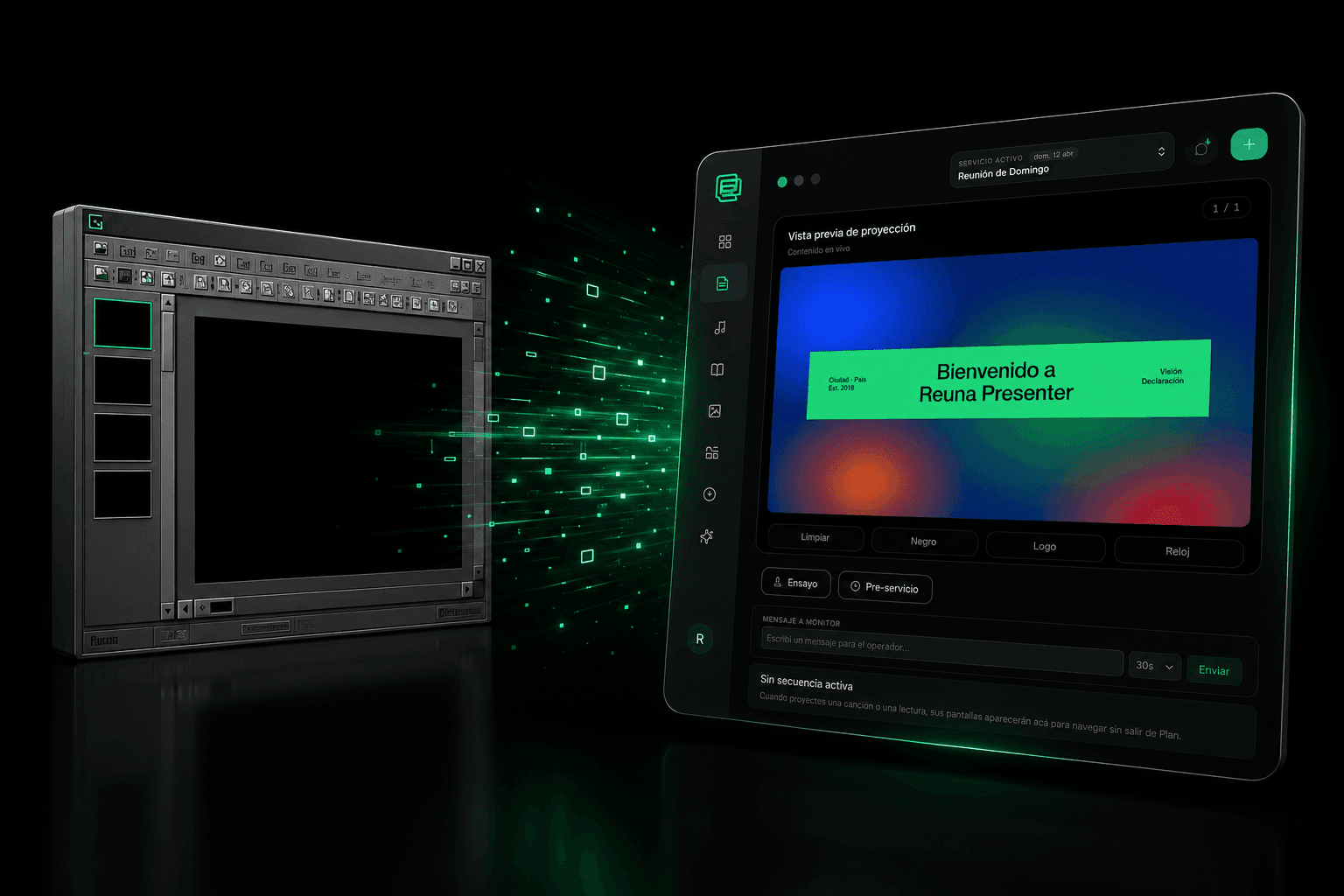
OpenLP Alternative: When It Makes Sense to Leave Free Open-Source Software
OpenLP is free and open-source, but requires self-managed installation and upkeep. We compare it with Reuna Presenter to see when switching makes sense.
EasyWorship Alternative: 5 Reasons Churches Are Switching
Looking for an EasyWorship alternative? We compare pricing, installation, and features with Reuna Presenter, the web-based church presentation platform.
How Much Does ProPresenter Cost in 2026? Full Pricing Breakdown
ProPresenter starts at $289/year per seat, or $649/year for a Campus License. Here's the full pricing breakdown, hidden extras, and a free alternative.