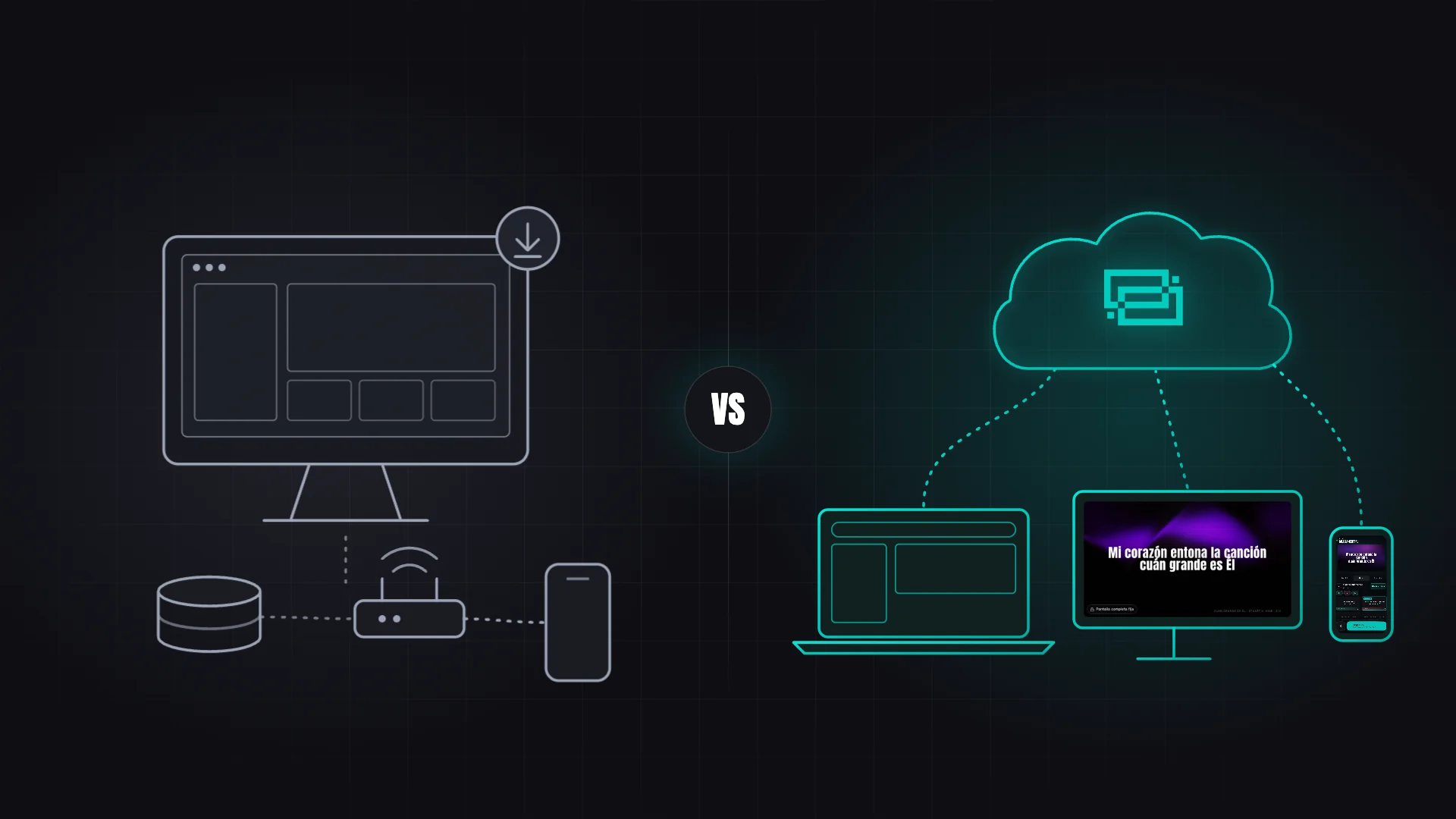
Start with nothing to install, no extra cables, no technicians. Anyone on the team can operate it.
Create your song library
Load your songs once and they're available forever. Organize them with sections: verses, choruses, bridges and more. Add Bible verses from multiple versions.
Build the service plan
Before the meeting, organize the order of everything by drag & drop. Songs, scriptures, announcements, countdown, messages and custom elements. Assign estimated times and private notes per item.
Project on all your screens
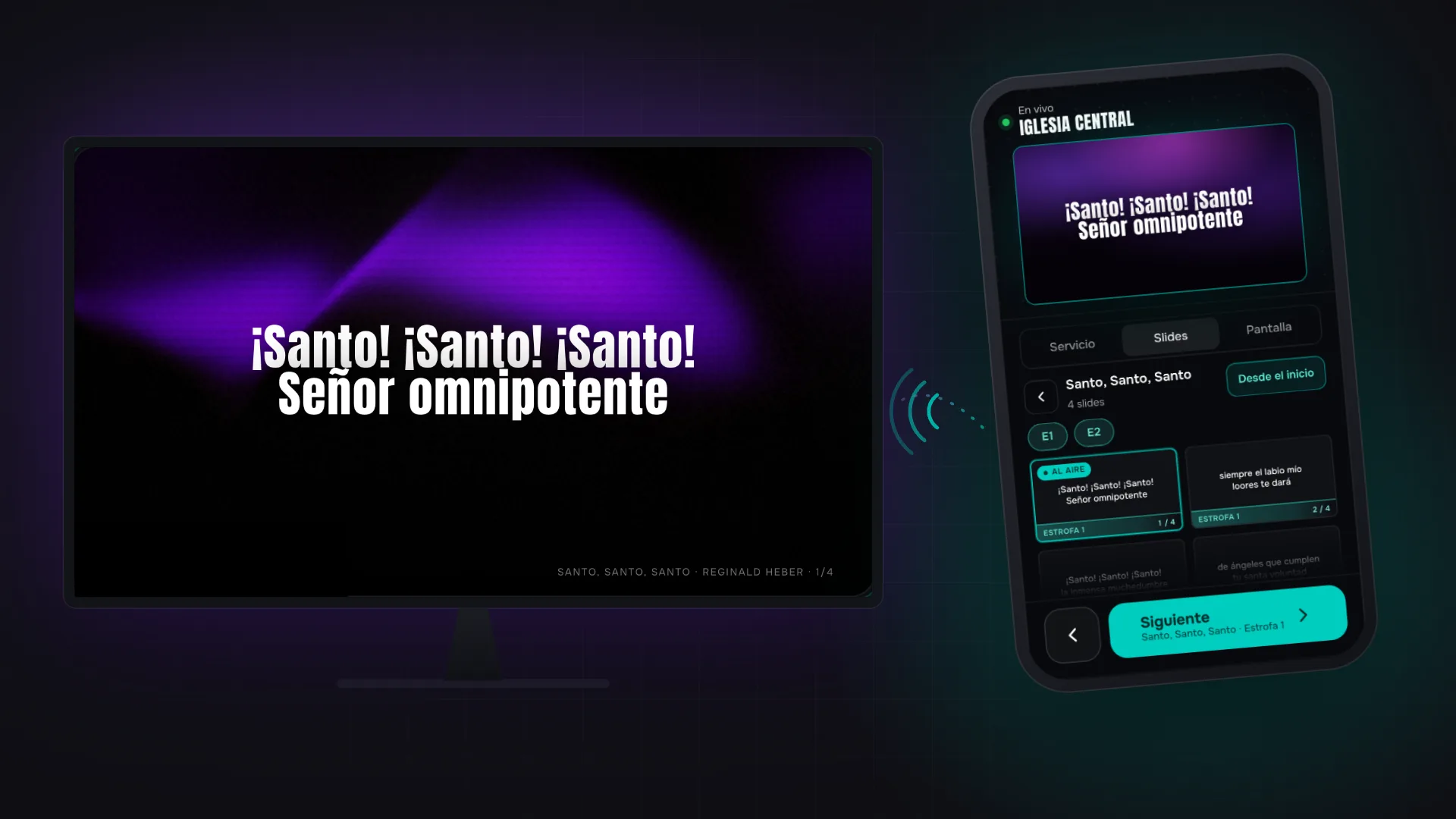
Open the projection link on each screen — any HDMI, TV or projector that has a browser. Control from the computer with keyboard shortcuts or from your mobile device by scanning the QR.
What do you need to get started?
A computer
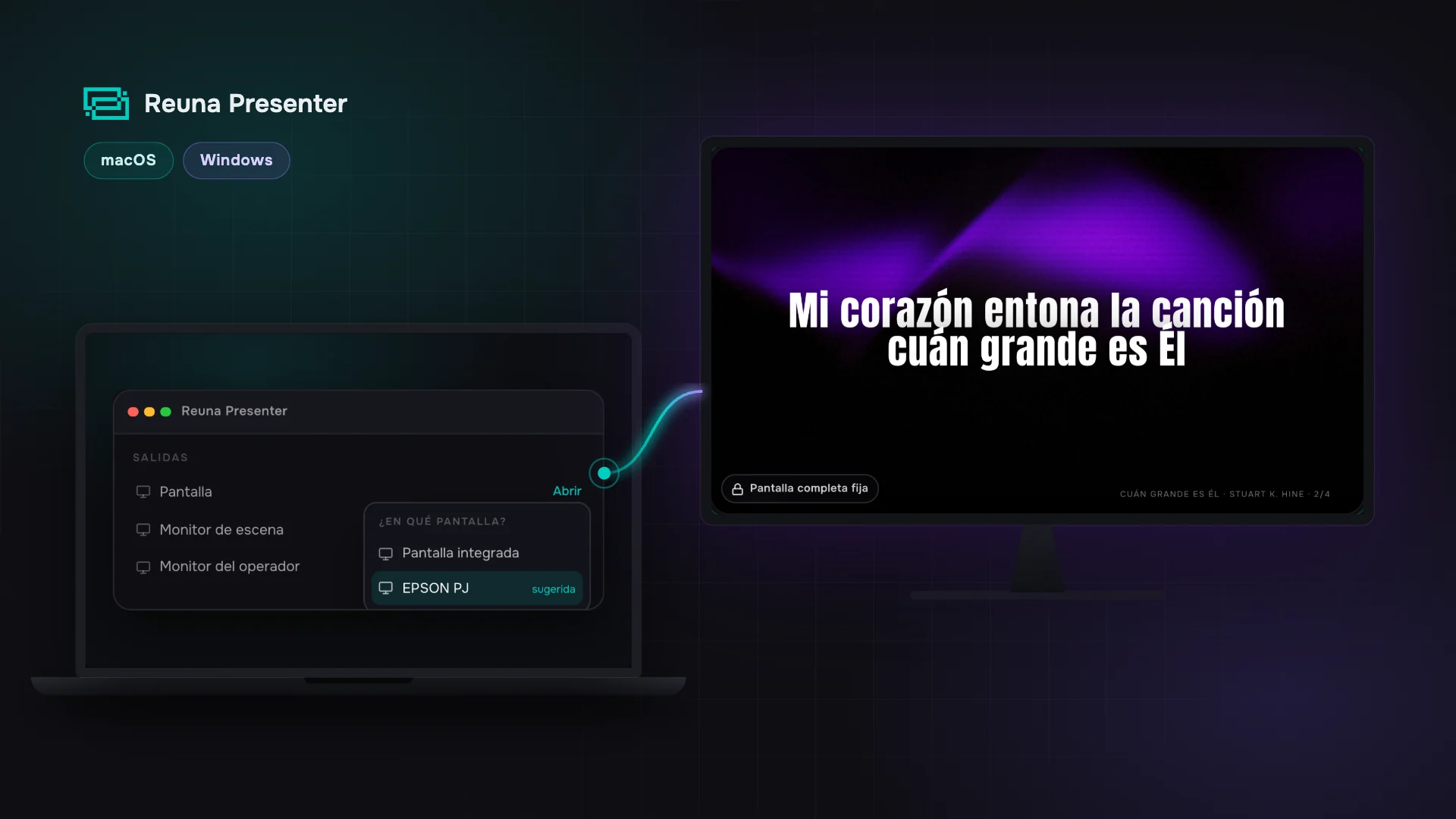
Any laptop, Mac or PC with Chrome, Edge, Firefox or Safari — or the free app for Mac and Windows, recommended for projecting.
A screen or projector
Connected via HDMI. Open the projection link in that screen's browser.
Internet connection
Basic WiFi is enough. Reuna runs online; if the connection drops mid-service, connected screens keep showing the last content.
Articles on presentation, worship and local church management.