How to Create a Church Service Plan (Practical Guide 2026)
Step-by-step guide to organizing your local church service plan: what to include, how to order it, and how to manage it digitally from one screen.

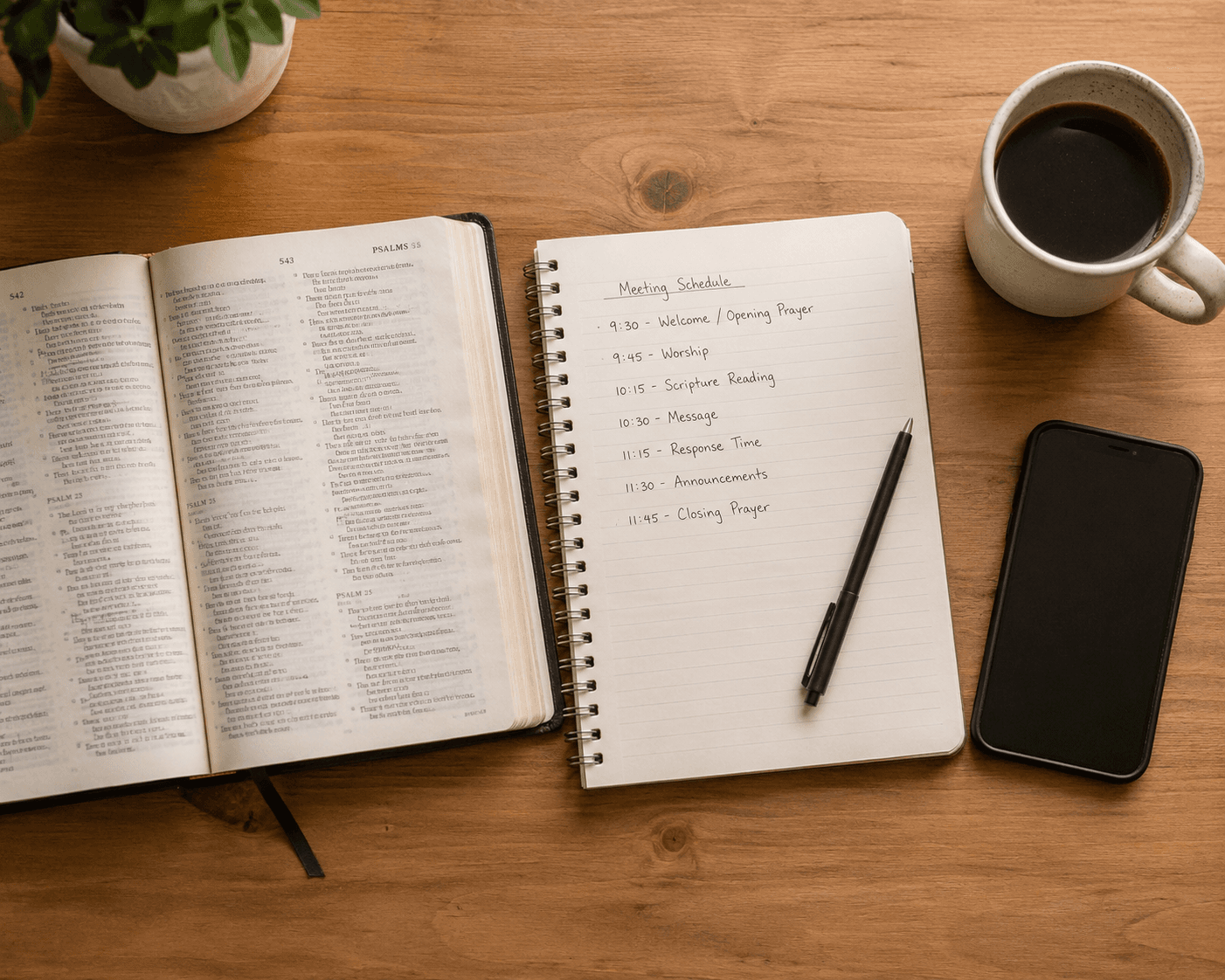
Sunday morning can be the most spiritual and most chaotic moment of the week at the same time. Songs repeated by accident, Bible verses nobody has ready, announcements remembered at the last minute.
A good service plan doesn't take away the Spirit's spontaneity — it removes unnecessary friction from the team. What flows well on the inside feels right on the outside.
This guide walks you through how to build a service plan for your local church from scratch: what it should include, how to order it, and how to manage it digitally so your whole team is aligned before the service starts.
What is a service plan?
A service plan (also called an order of service or worship order) is the roadmap for Sunday. It includes every moment of the service — songs, scripture readings, announcements, prayer — in the order they'll happen, with the information each team member needs to know what's coming next.
It's not a rigid script. It's a structure that frees the team from having to improvise logistics, so they can focus on what matters.
What a service plan should include
A complete service plan typically has these elements:
Worship songs The core of the worship time. For each song it helps to have: title, key, structure (intro / verse / chorus / bridge), and lyrics ready to project.
Bible verses Passages the pastor or leader will read or preach from. Having them loaded in advance avoids searching for them live while the congregation watches.
Announcements Local church communications: events, reminders, invitations. Best prepared as separate slides with clear, concise text.
Prayer moments Intercession or ministry time. You don't always project something during these, but marking them in the plan helps the team know a pause is coming.
Countdown (optional) Useful before the service starts or between sections. Communicates without words that things are about to begin.
Welcome slide A simple opening slide with the church name or a welcome message. It marks the beginning with clarity.
How to order it: a typical service structure
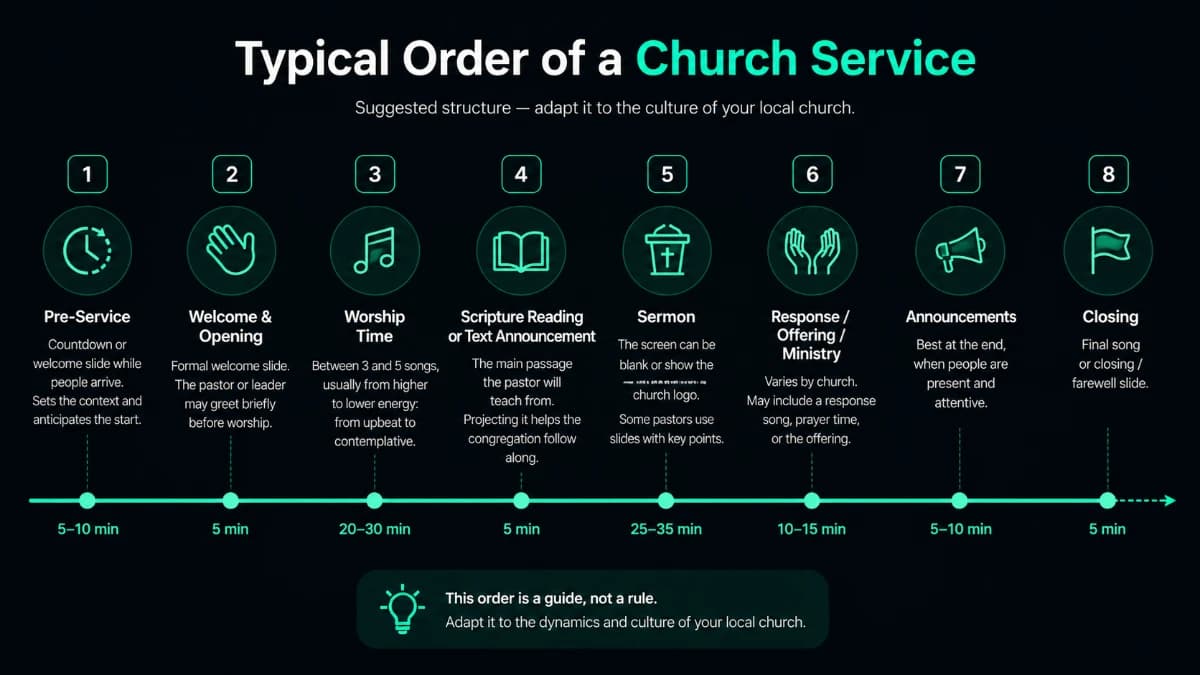
There's no single correct order — every church has its own culture. But this structure works well for most evangelical local churches:
1. Pre-service Countdown or welcome slide while people arrive. Sets context and anticipates the start without anyone having to say "we're beginning."
2. Opening and welcome A formal welcome slide. Sometimes the pastor or leader greets briefly before worship begins.
3. Worship time Typically 3 to 5 songs, generally moving from higher energy to more contemplative: upbeat opening songs, ending in slower moments of worship.
4. Scripture reading The main passage the pastor will preach from. Projecting it on screen lets the congregation follow without searching in their Bible.
5. Sermon The screen can stay blank or show the church logo. Some pastors use slide points, but that's a different tool.
6. Response / offering / ministry time Varies widely by church. May include a response song, prayer time, or the offering.
7. Announcements Better at the end than the beginning — when everyone is present and attentive. Clear slides with specific information.
8. Closing Final song or closing slide.
The problem with planning on paper or WhatsApp
Many local churches plan the service in a notebook or coordinate via WhatsApp. It works, but it has costs:
- Someone has to transcribe every song lyric into another system to project it
- If a song changes Saturday night, three different people need to be notified
- The projection tech is working from different information than the pastor
- There's no way to know in real time how long until the next item
A digital service plan solves all of this in one place.
How to build your service plan in Reuna
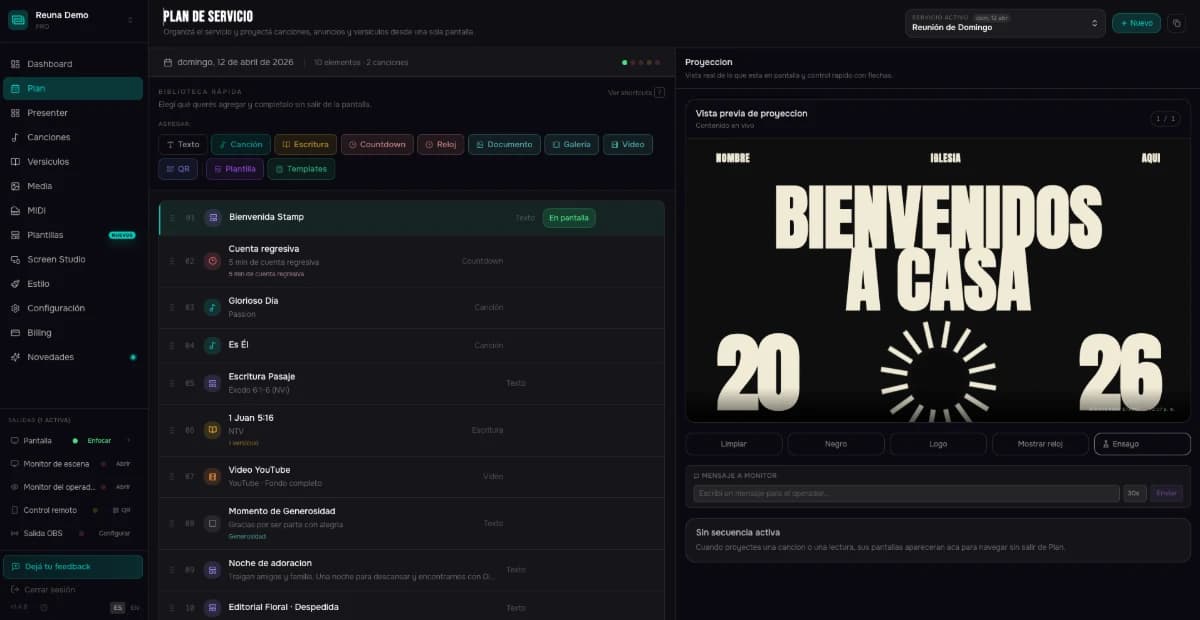
Reuna has a service plan module designed exactly for this. From one screen you can:
- Build Sunday's plan with all its elements
- Add songs directly from the library (with lyrics already loaded)
- Insert Bible verses without typing them manually
- Reorder items by dragging
- See the estimated service duration in real time
- Project everything from the same interface, without switching screens
Step by step: creating your first plan in Reuna
1. Create a free account at app.reunapresenter.com — no credit card required.
2. Load your songs into the library. Type the lyrics directly or paste from another document.
3. Open the "Plan" module and create a new plan with Sunday's date.
4. Add your elements in order: welcome, songs, scripture, announcements, countdown. Each element type has its own icon and behavior.
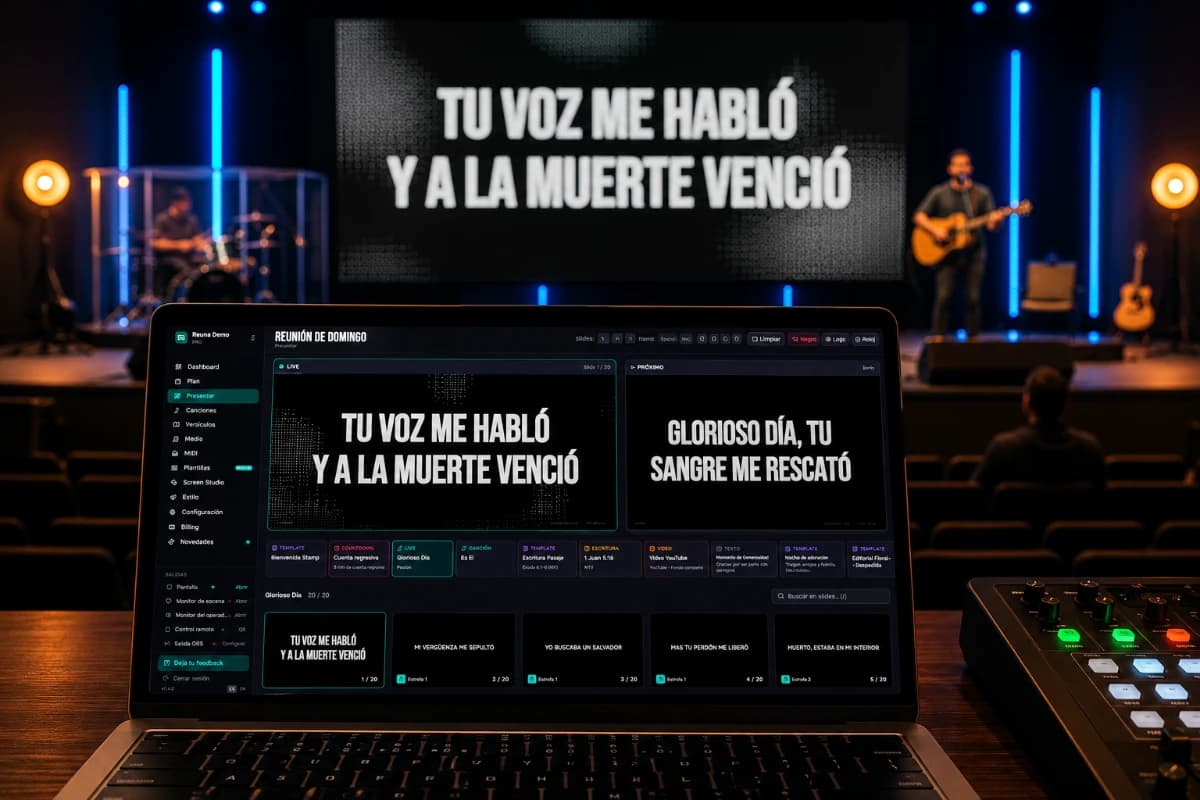
5. On Sunday, open the plan and click "Present." The projection opens in a second tab or screen. Advance with keyboard arrows — or from your phone with the QR remote control (Pro plan).
Tips for a service plan that actually works
Prepare it in advance. Friday or Saturday, not Sunday at 9:55am. Having the plan ready with time lets the team review it and anticipate changes.
Share it with the team. A digital plan that only the projection tech has doesn't help much. In Reuna, the pastor can review the plan from their phone before the service.
Leave margin between items. A 60-minute service with exactly 60 minutes of content will always run over. Leave space for spontaneous moments — God works in the margins too.
Use estimated duration as a guide. Reuna shows how long each item takes and the service total. Not to time everything precisely, but to avoid surprises.
Have a tech backup plan. If something fails, what do you do? Having song lyrics printed or on a phone as a backup is simple and worth the peace of mind.
Conclusion
A well-organized service plan doesn't take the spotlight from the Spirit — it gives the team the clarity to flow in what they're called to do. Less operational chaos, more presence in the service.
If your local church still plans on paper or in WhatsApp, this is a good moment to move to a tool built for this.
Reuna's service plan is available on the free plan. You can have it running this Sunday.
Ready to try Reuna?
Start free in the browser, with nothing to install. Forever-free plan, no credit card, and a free app for Mac and Windows.
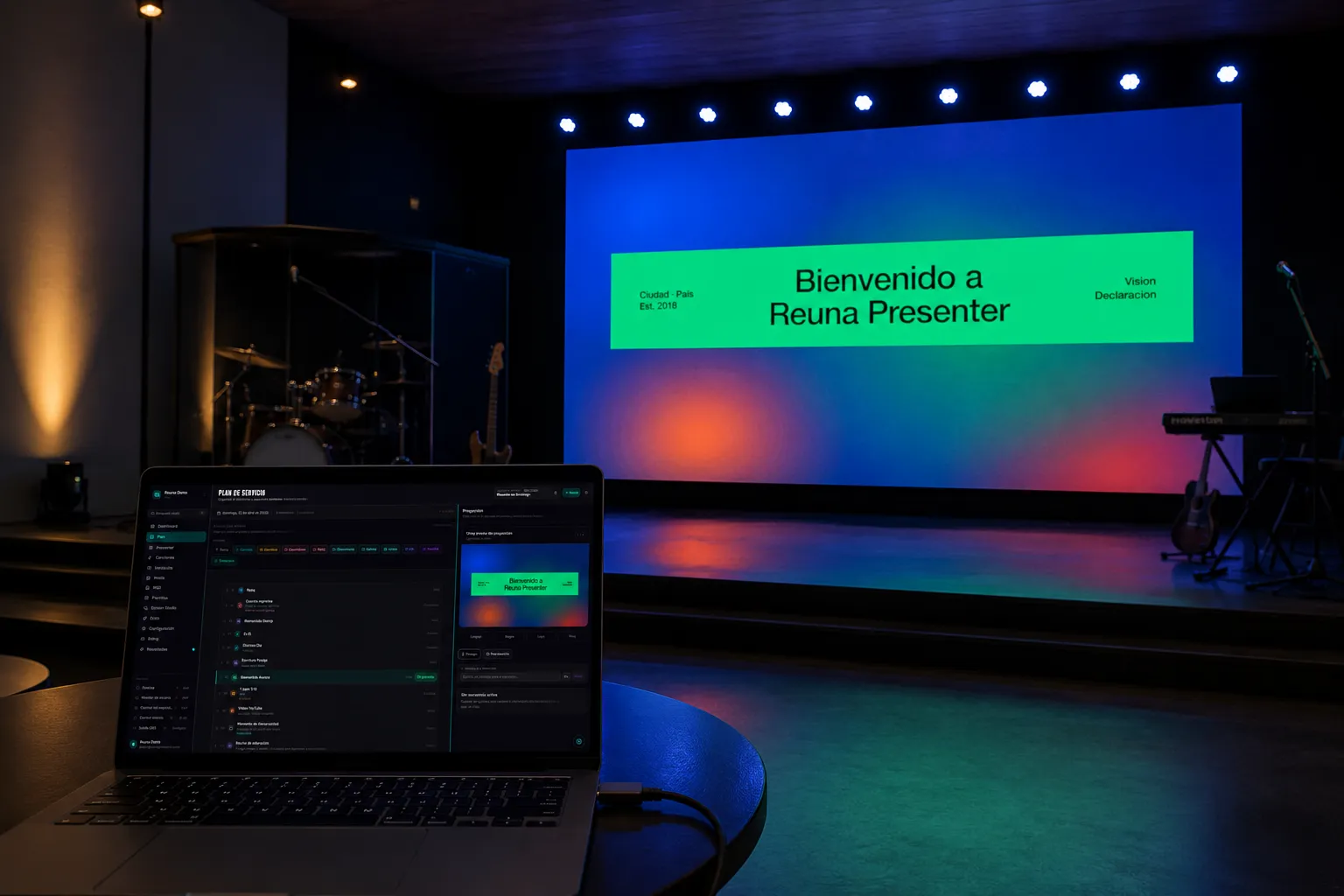
How to Connect a Projector to a Laptop for Church (Step-by-Step Guide)
A complete guide to connecting your laptop to a church projector: cables, display settings, common problems, and what software to use for projection.
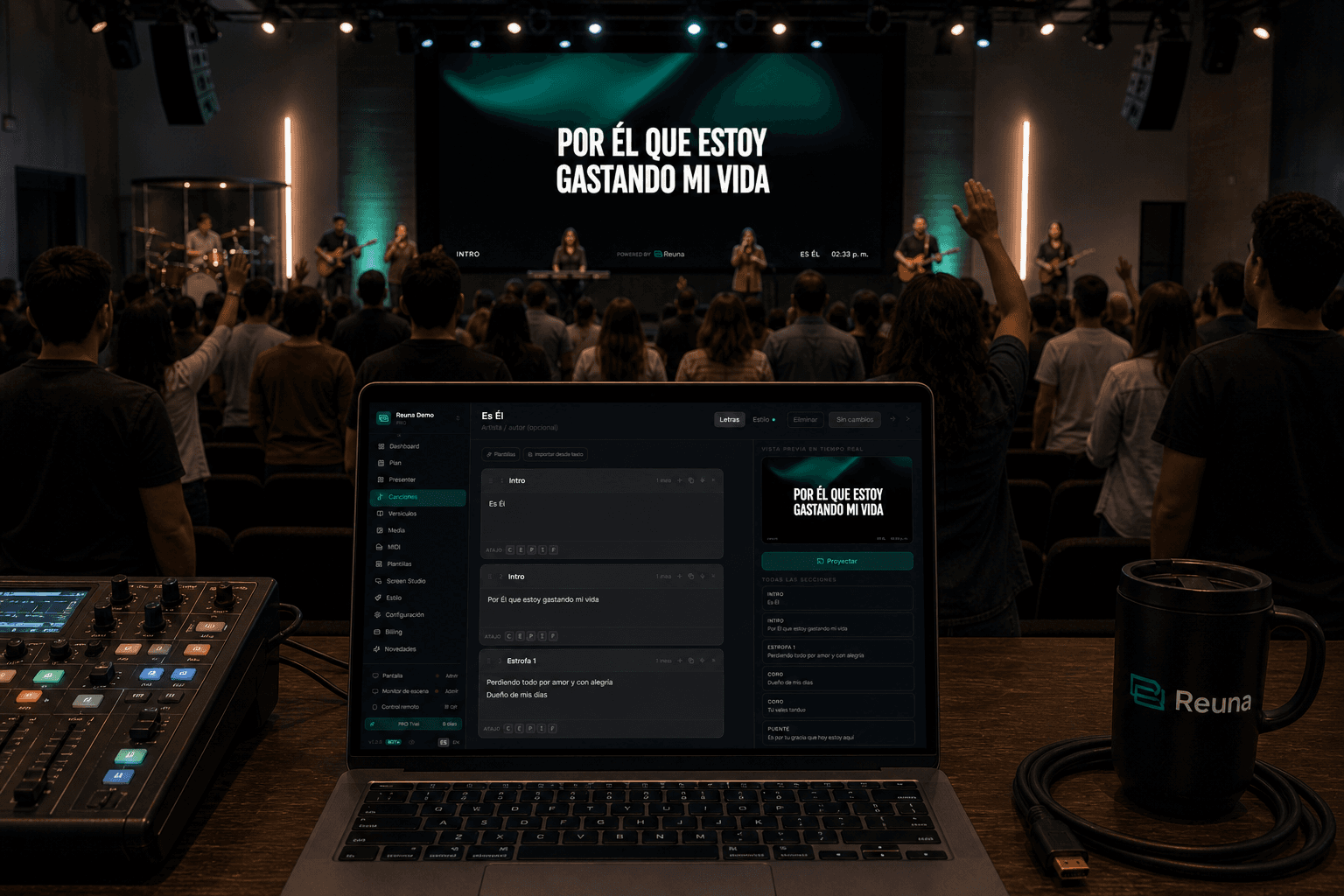
How to project song lyrics at church: complete 2026 guide
Step-by-step guide to projecting song lyrics at church: hardware, software, typography, offline mode and common mistakes that ruin the service.
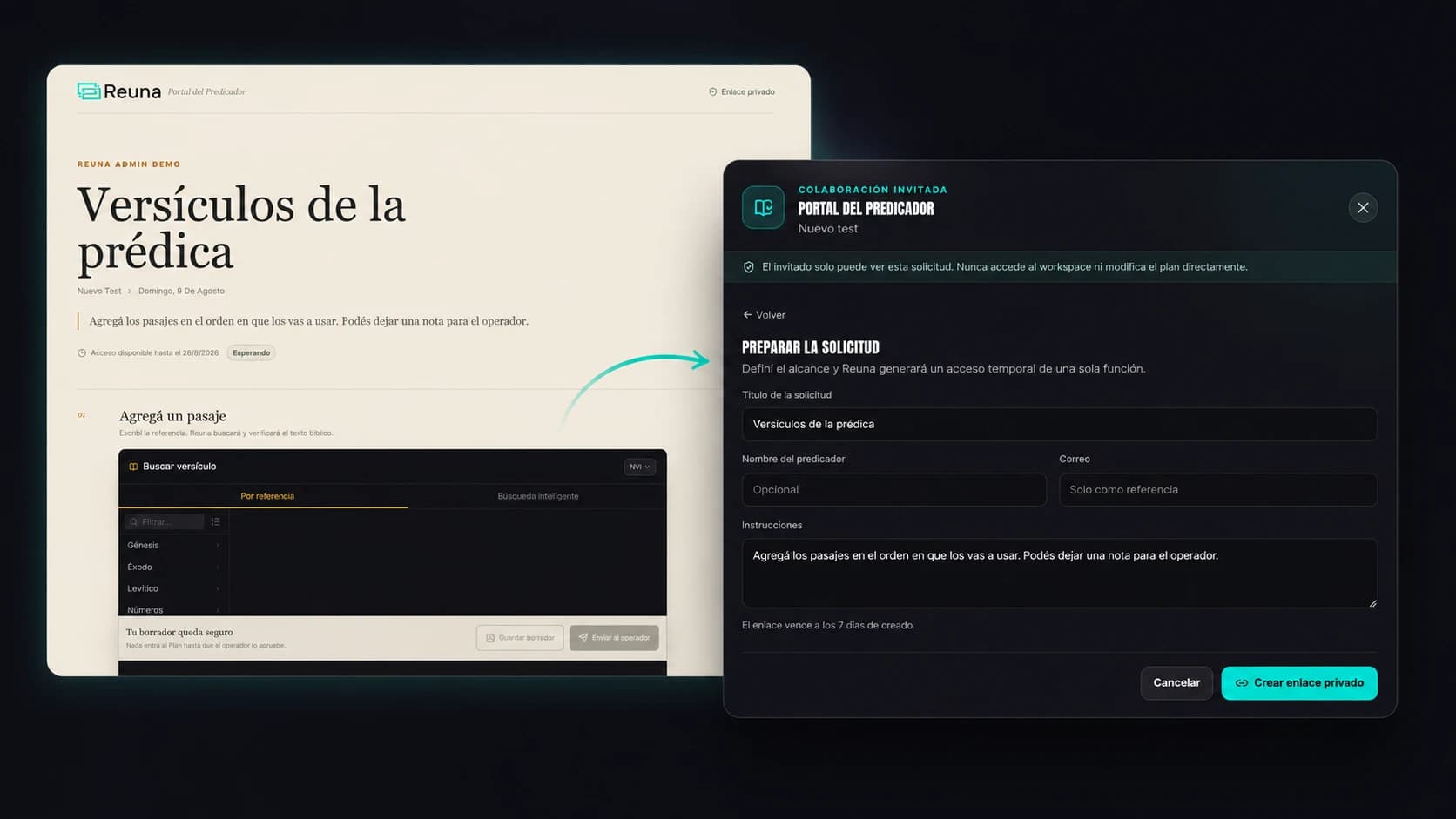
Preacher Portal: No More Chasing Your Guest Speaker Over WhatsApp
Reuna's Preacher Portal lets a guest speaker add their scripture references from their phone, no account needed, while you approve every item.