Church Presentation Software for Mac: What Actually Works in 2026
ProPresenter, EasyWorship 8, Proclaim, FreeShow and more: which church presentation software runs on a Mac, what it costs, and what to check before you choose.

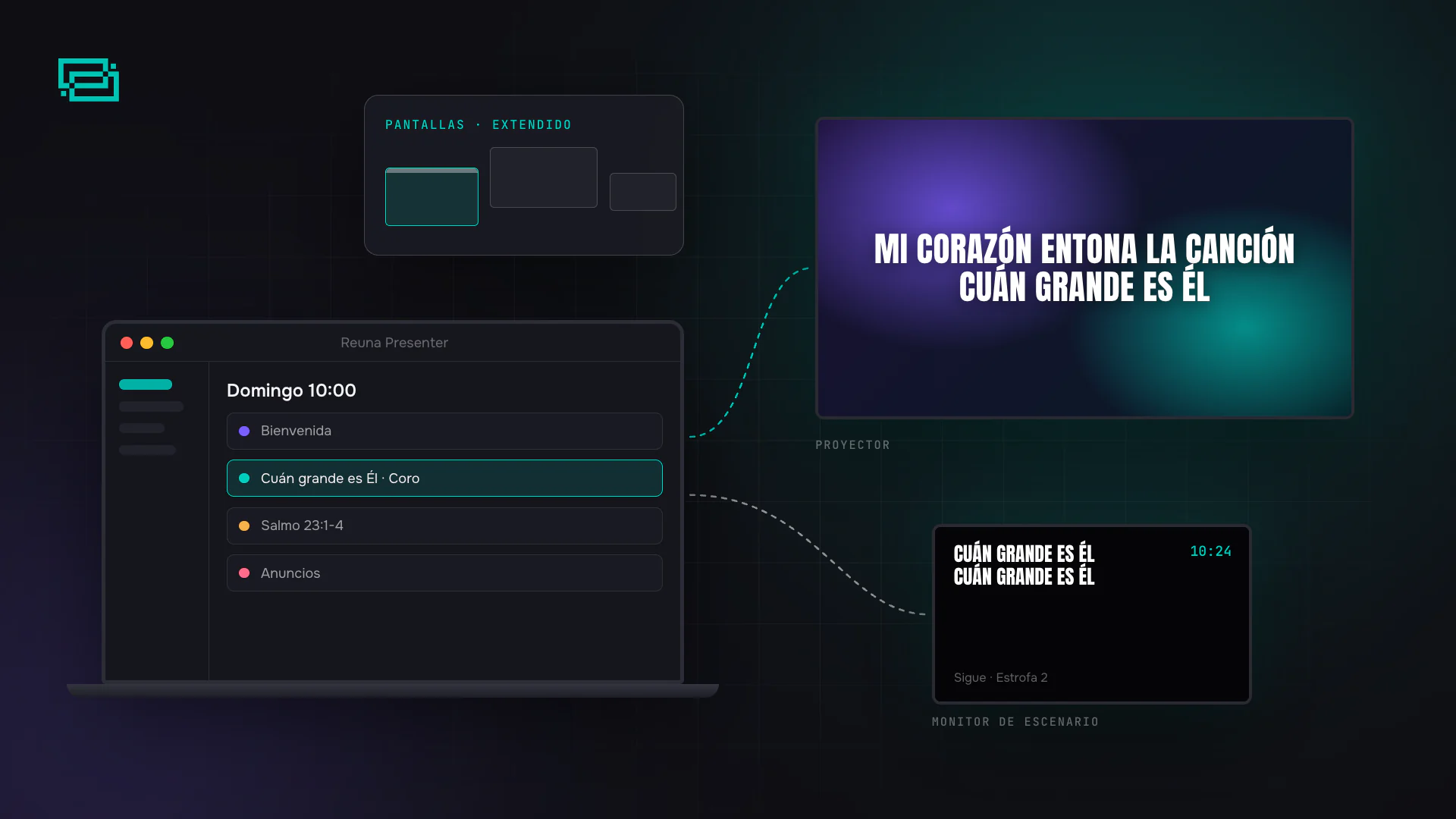
If your church runs its projection from a Mac, you have more choices today than ever. ProPresenter, Proclaim, MediaShout, WorshipTools, FreeShow, OpenLP and Reuna already had macOS versions, and in June 2026 EasyWorship 8 joined them after years as a Windows-only program. Of the tools in this comparison, VideoPsalm is the only one still limited to Windows. So the real question is no longer "does it run on a Mac?" but what it costs, whether it runs natively on Apple's chips, and how many screens your Mac can drive.
We checked each vendor's official site on November 17, 2026. Prices are in US dollars and can change, so confirm them before you buy.
The short answer: what runs on a Mac
| Software | Mac? | Apple silicon (M1 and later) | Linux? | Price |
|---|---|---|---|---|
| ProPresenter | Yes, macOS 14 or later | Native | No | Subscription: $289/year for the first seat (or $29/month) |
| EasyWorship 8 | Yes, since 2026, macOS 14 or later | Native | No | Subscription based on attendance: from $210/year |
| Proclaim | Yes, macOS 12 or later | Native | No | $269.99/year, unlimited installs |
| MediaShout for Mac | Yes, macOS 12 or later | "Compatible" (native not stated) | No | $499 one-time |
| WorshipTools Presenter | Yes, macOS 12 or later | Not stated | No | Free; Pro $195/year |
| FreeShow | Yes | Native | Yes | Free, open source |
| OpenLP | Yes, macOS 10.15 or later | Native | Yes | Free, open source |
| Quelea | Yes | Not stated | Yes | Free, open source |
| Holyrics | Yes (Java 8, or the build with Java bundled) | Not stated | Yes | Free |
| Keynote | Yes, macOS 26 or later | Native | No | Free (not church software) |
| VideoPsalm | No, Windows only | — | No | Free |
| Reuna | Yes, universal app | Native | Yes, from Chrome or Edge | Free with 1 screen; Pro $12/month |
Before you choose: what's different on a Mac
How many external displays your Mac supports
This matters more than the software. According to Apple, MacBook Air and MacBook Pro models with an M1 or M2 chip (not Pro or Max) support a single external display, and a dock or hub doesn't add more. With a base M3 chip they can drive two, but only with the lid closed, which means you lose your own screen. If you want the congregation's projector plus a stage monitor, that Mac can't do it. From the M4 chip on, MacBook Air models support two external displays with the built-in display on, and MacBook Pro models with a Pro or Max chip support more. Before you buy cables, check your exact model under Apple menu › About This Mac.
Native on Apple's chips
Software built for Apple silicon starts faster and uses less battery than software running under Rosetta 2 translation. ProPresenter, EasyWorship 8, Proclaim, OpenLP, FreeShow and Reuna publish native builds. Holyrics for Mac, by contrast, needs Java 8 installed in its standard build (there's another with Java bundled), and MediaShout for Mac says it's compatible with Intel and Apple silicon but still lists an Nvidia or AMD graphics card, which no Apple silicon Mac has.
The macOS version it requires
An older Mac may be left out. ProPresenter and EasyWorship 8 require macOS 14 Sonoma or later, and the current Keynote requires macOS 26. Proclaim, MediaShout and WorshipTools accept macOS 12 and later, and OpenLP 10.15 and later.
Windows software on a Mac
If your team relies on something that only exists for Windows, such as VideoPsalm, an Apple silicon Mac has no Boot Camp: Apple says Boot Camp requires a Mac with an Intel processor. That leaves a virtual machine like Parallels, which on these Macs runs Windows 11 for ARM. It works, but it adds a license, uses memory, and is one more layer that can fail in the middle of a service. For weekly projection, a native app is the safer bet.
The options, one by one
Paid
- ProPresenter is one of the most complete options, and it's priced per computer: the first seat is $289/year and additional seats cost less, with a 14-day free trial. For the full breakdown, see how much ProPresenter costs.
- EasyWorship 8 is the news of the year: it has run natively on the Mac since June 2026. Pricing depends on weekly attendance, from $210/year for the Basic plan, with a license that covers several computers at one location and a 30-day trial.
- Proclaim is priced per church, not per computer: $269.99/year with unlimited installs on Mac and Windows. It offers separate downloads for M-series and Intel Macs.
- MediaShout for Mac is the only paid option with a one-time license: $499 for a site license. Its published requirements still call for a dedicated graphics card, so try it on your Mac before you pay.
Free
- FreeShow is free and open source, with builds for Mac (ARM and Intel), Windows and Linux. It gets frequent updates. We compare it with Reuna in FreeShow alternative.
- OpenLP is the long-standing open-source option. It has separate downloads for Intel and Apple silicon Macs, but the first time you open it on a Mac you have to allow it with a Terminal command.
- WorshipTools Presenter is free forever on Mac and Windows, although the free plan limits items per service, and the stage display and multiple output screens are part of Pro.
- Quelea and Holyrics also run on a Mac. Quelea still gets commits on GitHub, but its latest stable release dates from February 2024.
- Keynote comes free with your Mac and works for a designed announcement, but it has no Bible, song lyrics or order of service.
What about Linux?
There's no Linux version of ProPresenter: Renewed Vision publishes only macOS and Windows builds. FreeShow, OpenLP, Quelea and Holyrics run on Linux, and so does Reuna, which installs as an app from Chrome or Edge.
How to set up your Mac for Sunday
- Extend, don't mirror. In System Settings › Displays, use the projector as an extended display, not a mirror of yours. The congregation sees only the lyrics while you keep your plan on your own screen. Apple explains it in extend or mirror your desktop.
- Arrange the displays the way they sit in the room. In the arrangement view, drag each display into place and keep the menu bar on the Mac's own screen.
- Connect before you open the software. Plug in the projector and the USB‑C to HDMI adapter first, then open the app. If the projector is far away, also read how to connect a projector to a laptop.
- Silence notifications. Turn on Do Not Disturb during the service so no alert ever shows up on the projector.
- Plug the Mac in. Don't rely on the battery for a two-hour service.
Reuna on a Mac
Reuna has a universal Mac app: the same download runs natively on Apple silicon and Intel Macs, it's signed by Reuna and notarized by Apple, and it updates itself. You choose which display each output goes to, and it stays full screen. If a projector disconnects, the output waits and goes back to its place when you plug it in again. While an output is open, the Mac doesn't go to sleep.
Because everything lives in your account, you can build the service at home in a browser and open it on the church Mac on Sunday. Once it's loaded, projection keeps going if the internet drops. The free plan includes one screen, and with Pro or Church you add more screens and the stage monitor. Download the app or create a free account.
Frequently asked questions
What's the best free church presentation software for Mac? It depends on what you need. FreeShow and OpenLP are free, open source and native on the Mac. WorshipTools has a free plan that never expires, with limits. Reuna is free with one screen and includes songs, the Bible and your order of service in the cloud.
Does EasyWorship work on a Mac? Yes, since EasyWorship 8 (June 2026). It runs natively on macOS 14 Sonoma or later, with no Boot Camp or virtual machine.
Does ProPresenter run on Linux? No. Renewed Vision publishes ProPresenter only for macOS and Windows.
Can I use Boot Camp on an M1 or later Mac? No. Boot Camp requires a Mac with an Intel processor. On an Apple silicon Mac, the usual way to run Windows software is a virtual machine such as Parallels.
How many projectors can I connect to my MacBook? It depends on the chip. A MacBook Air or MacBook Pro with M1, M2 or M3 (not Pro or Max) supports only one external display while its own screen is on, even with a hub; M3 can drive two only with the lid closed. From M4 on they support two with the built-in display on, and Pro or Max chips support more. Check your model's tech specs on Apple's site.
Ready to try Reuna?
Start free in the browser, with nothing to install. Forever-free plan, no credit card, and a free app for Mac and Windows.
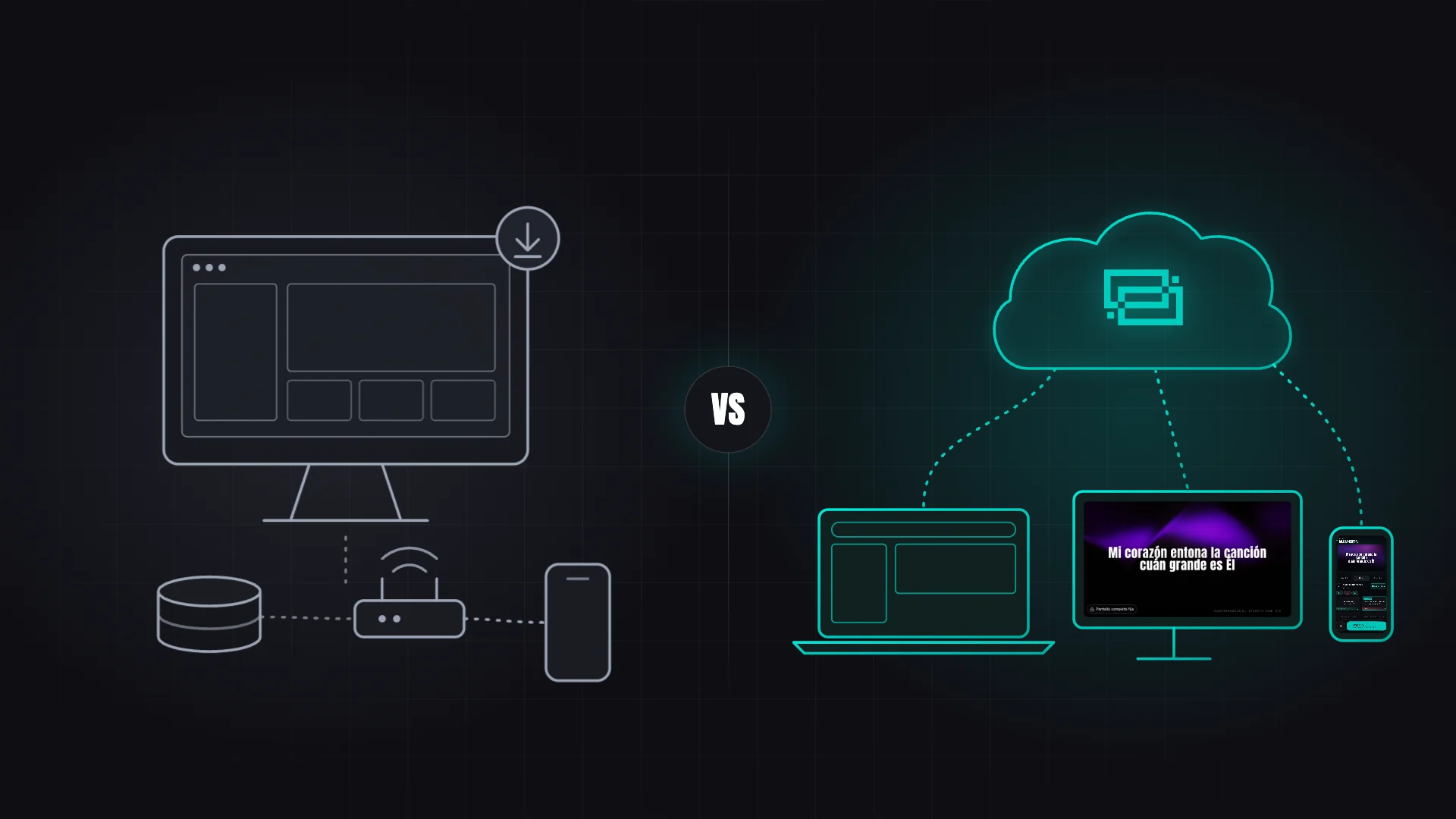
FreeShow Alternative: What Changes With Reuna and When to Stay Put
FreeShow is free, open source and packed with features. See how Reuna Presenter differs and when each one is the better fit for your church team.
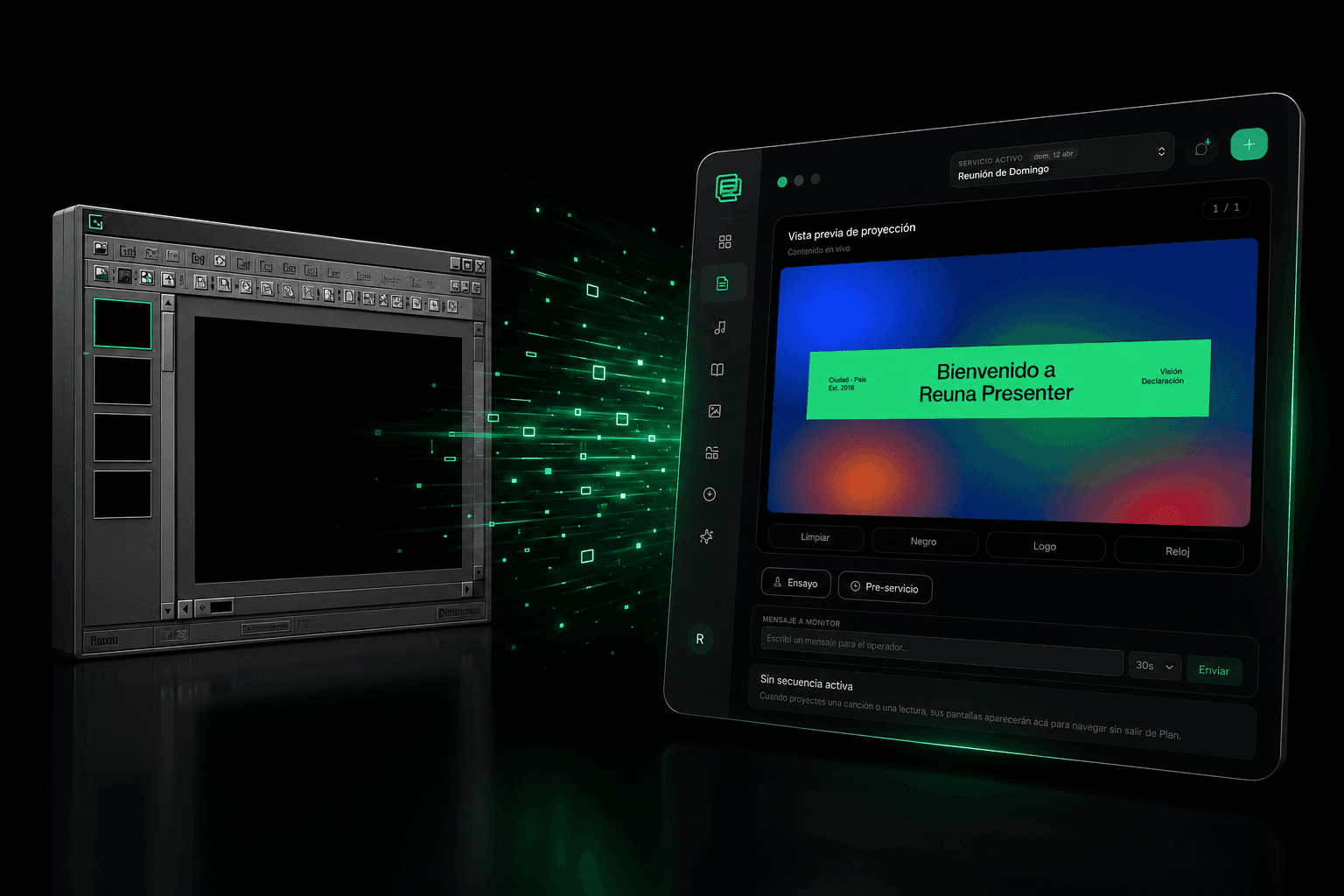
OpenLP Alternative: When It Makes Sense to Leave Free Open-Source Software
OpenLP is free and open-source, but requires self-managed installation and upkeep. We compare it with Reuna Presenter to see when switching makes sense.
EasyWorship Alternative: 5 Reasons Churches Are Switching
Looking for an EasyWorship alternative? We compare pricing, installation, and features with Reuna Presenter, the web-based church presentation platform.