EasyWorship vs ProPresenter: pricing, outputs and which fits your church
EasyWorship licenses the whole building; ProPresenter charges per computer. We compare official pricing, requirements, outputs and ease of use so you can choose with real numbers.

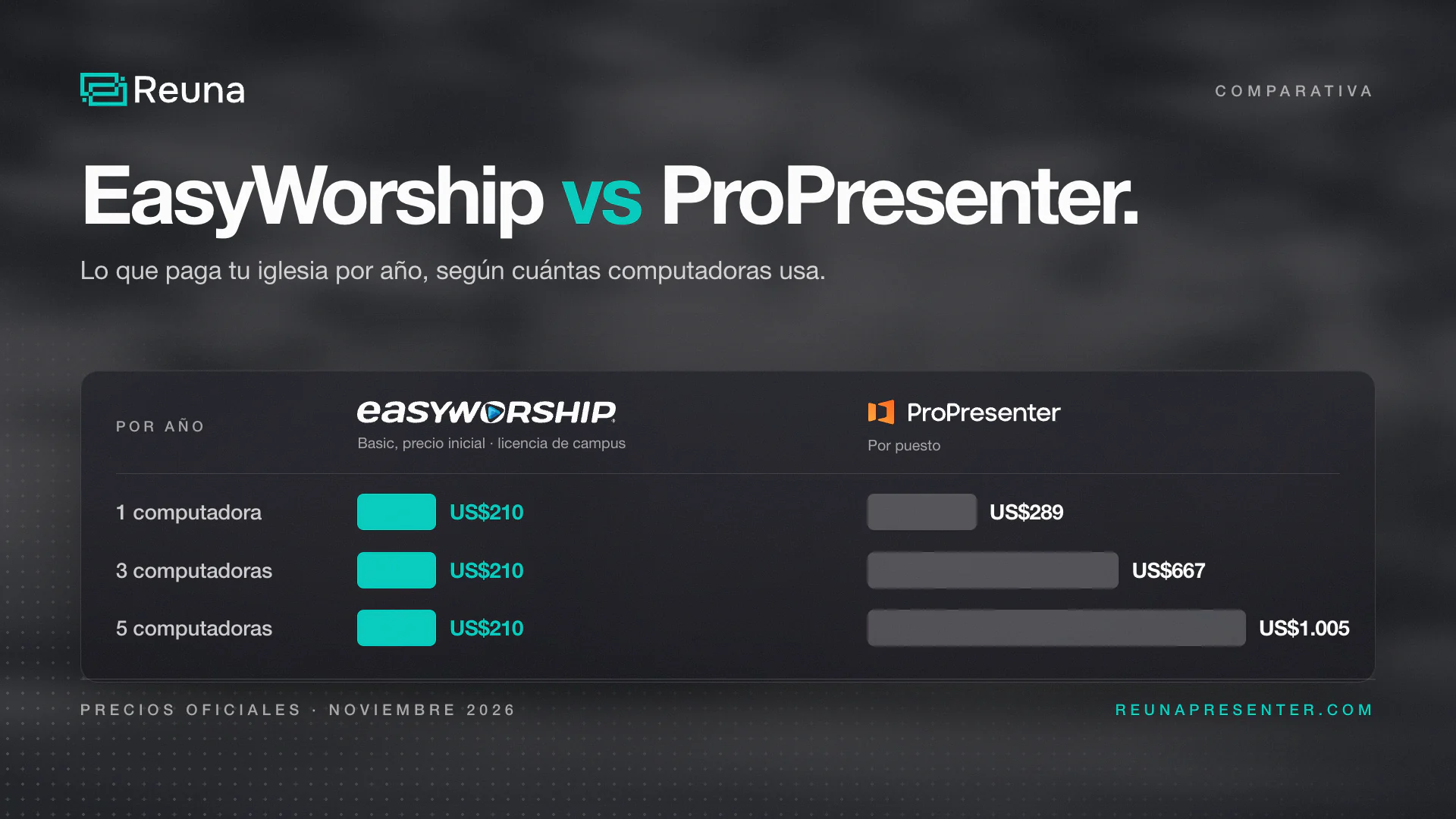
EasyWorship and ProPresenter cover the same basics: lyrics, Bible verses and video on Mac and Windows. The real difference is how you pay. EasyWorship starts at $210 a year with a license that covers every computer at one church location; ProPresenter costs $289 a year per computer, and in return gives you more outputs and more production tools. For a small, single-campus church, EasyWorship usually costs less. If you run several screens and a livestream with a dedicated tech team, ProPresenter earns its price.
Below is the full comparison, using the prices and requirements each company publishes (checked on November 26, 2026).
Pricing: one license per building vs. one per computer
This is the point that changes the math the most, and the one most people miss.
EasyWorship has two plans on its pricing page:
- Basic: $17.50 a month billed yearly ($210 a year). Includes updates, free support and a live onboarding session with a trainer.
- Premium: $27.50 a month billed yearly ($330 a year). Adds 51,700+ backgrounds, countdowns and other media, plus the Online Media Designer.
Both include a campus license. According to EasyWorship support, it lets you install the software on an unlimited number of computers tied to a single church location: the booth computer, the office computer or the pastor's laptop. It does not cover church plants or other campuses.
ProPresenter is priced per seat. From Renewed Vision's pricing article:
- One seat: $29 a month or $289 a year.
- Seats 2 to 4: $189 a year each.
- Seats 5 to 10: $149 a year each.
- More than 10: custom pricing.
Volume discounts only apply to annual subscriptions. Every subscription includes 50 GB of ProPresenter cloud storage.
| Scenario (one campus) | EasyWorship Basic | ProPresenter |
|---|---|---|
| 1 computer | $210/year | $289/year |
| 3 computers | $210/year | $667/year |
| 5 computers | $210/year | $1,005/year |
Note: EasyWorship lists its prices as "starting at" and adjusts them to your church's attendance; $210 is the floor for Basic.
With one computer the gap is small. With three (booth, office and the laptop of whoever prepares the service), ProPresenter costs more than three times as much. For the full breakdown of ProPresenter's costs, see How much does ProPresenter cost?.
Is either one free?
No. Neither has a permanent free plan:
- EasyWorship offers a 30-day trial with every feature and no credit card, on Windows and Mac.
- ProPresenter offers a 14-day trial. Renewed Vision also lets you download it at no charge to test performance on your computer, and local seats without cloud access put a watermark on the output.
If you need something that costs nothing, neither is the answer. Our guide to free church presentation software covers the real options.
Requirements: what computer each one needs
Both run on Mac and Windows, with similar minimums.
| EasyWorship 8 | ProPresenter | |
|---|---|---|
| Windows | Windows 10 or 11 | Windows 10 version 1903 or later (recommended: Windows 11) |
| Mac | macOS 14 Sonoma or later | macOS 14 Sonoma or later (recommended: macOS 26) |
| Memory | 4 GB minimum on Windows, 8 GB recommended; on Mac, 8 GB minimum and 16 GB recommended | 16 GB recommended for 4K output |
| Graphics | On Windows, NVIDIA GTX 1050 or better at minimum (RTX recommended) | Dedicated GPU if you output to more than 4 HD screens (except Apple Silicon Macs) |
Sources: EasyWorship requirements and ProPresenter system requirements.
One Sunday-morning detail: both present without internet. EasyWorship needs a connection for SongSelect, streaming and updates; ProPresenter needs one to install, register, verify your subscription and update. Open it online during the week so the license check never surprises you right before service.
Outputs, stage display and remote control
This is where ProPresenter pulls ahead:
- ProPresenter handles up to 8 unique outputs, including separate key and fill outputs and NDI for streaming. ProPresenter Remote is included with every active subscription, along with macros, MIDI/DMX control and timecode follow.
- EasyWorship documents 4 outputs: the control screen, front of house, an alternate output (for another monitor or NDI streaming) and foldback for the band. Extra identical screens need a video splitter. That figure comes from a 2022 support article; the current EasyWorship 8 site doesn't publish a number.
If your Sunday is one projector, a confidence TV for the band and a simple stream, EasyWorship's 4 outputs are enough. If you have side screens with different content, an LED wall and a broadcast desk that wants key and fill, ProPresenter is built for that.
Ease of use for volunteers
EasyWorship pitches itself on its website as software your volunteers can run, and the Basic plan includes live onboarding with a trainer. ProPresenter does more, which also means more to learn: arrangements, the editor, macros, automations.
In practice:
- Pick EasyWorship if your team rotates every week, you have one campus and you want a first-timer in the booth to run the service with confidence.
- Pick ProPresenter if you have a steady tech lead, several screens with different content or a serious livestream production.
For head-to-head pages, see Reuna vs EasyWorship and Reuna vs ProPresenter.
If you want a third option
Both install on a computer and bill in dollars, monthly or yearly. Reuna works differently: a Free plan that never expires with one screen, and paid plans at $12 a month (Pro, 3 screens) and $30 a month (Church, 5 screens) with a stage display and phone remote. It runs in the browser or in the desktop app for Mac and Windows, and the service you build at home is the same one that opens in the booth. If you're leaving EasyWorship, our EasyWorship alternative post goes deeper.
You can create a free account and build next Sunday's service before you decide.
Frequently asked questions
Which is cheaper, EasyWorship or ProPresenter? For one computer, EasyWorship Basic (from $210 a year) vs. ProPresenter ($289 a year). With several computers at the same location the gap grows, because EasyWorship covers them all with one campus license and ProPresenter charges per seat.
Is EasyWorship free? No. It has a 30-day trial with no credit card; after that you subscribe to Basic or Premium.
Does ProPresenter run on Windows? Yes. It needs Windows 10 version 1903 or later, and Renewed Vision recommends Windows 11. On Mac it needs macOS 14 Sonoma or later.
How many screens does each one handle? ProPresenter, up to 8 unique outputs. EasyWorship documents 4 outputs (control, front of house, alternate and foldback), plus more identical screens through a video splitter.
Can I use one EasyWorship license at two campuses? No. The campus license covers unlimited computers at one location; other campuses need their own license.
Ready to try Reuna?
Start free in the browser, with nothing to install. Forever-free plan, no credit card, and a free app for Mac and Windows.
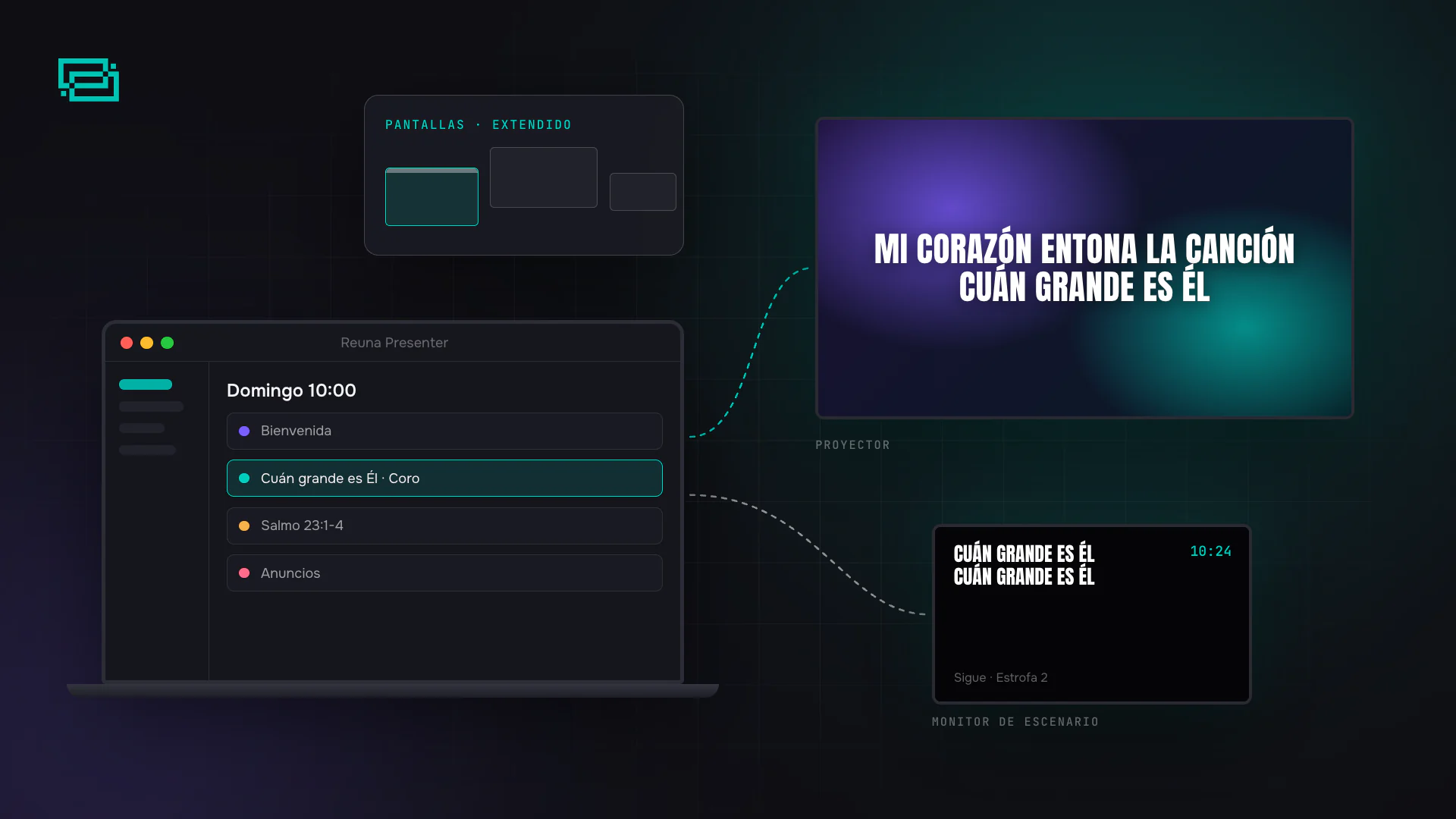
Church Presentation Software for Mac: What Actually Works in 2026
ProPresenter, EasyWorship 8, Proclaim, FreeShow and more: which church presentation software runs on a Mac, what it costs, and what to check before you choose.
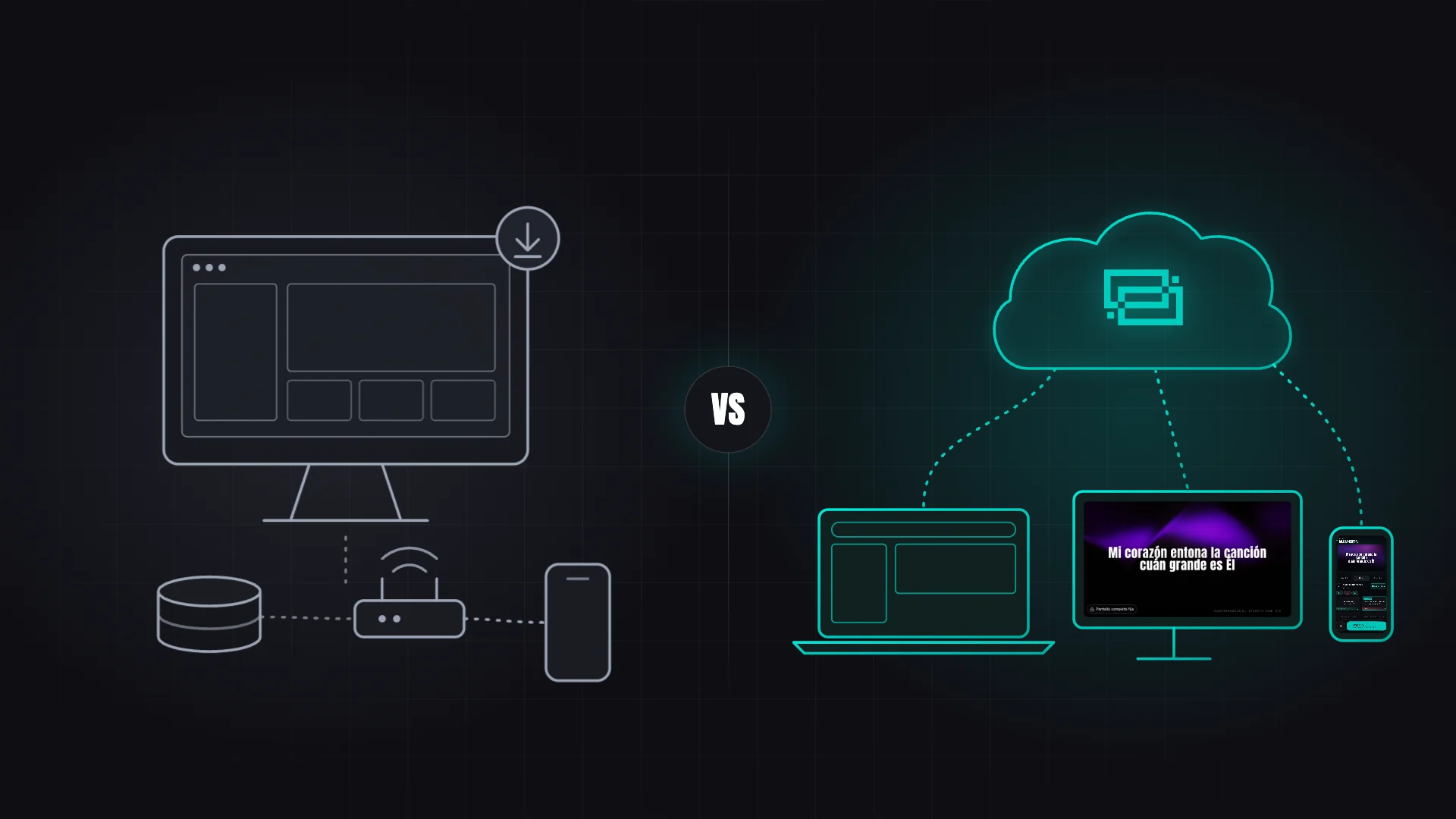
FreeShow Alternative: What Changes With Reuna and When to Stay Put
FreeShow is free, open source and packed with features. See how Reuna Presenter differs and when each one is the better fit for your church team.
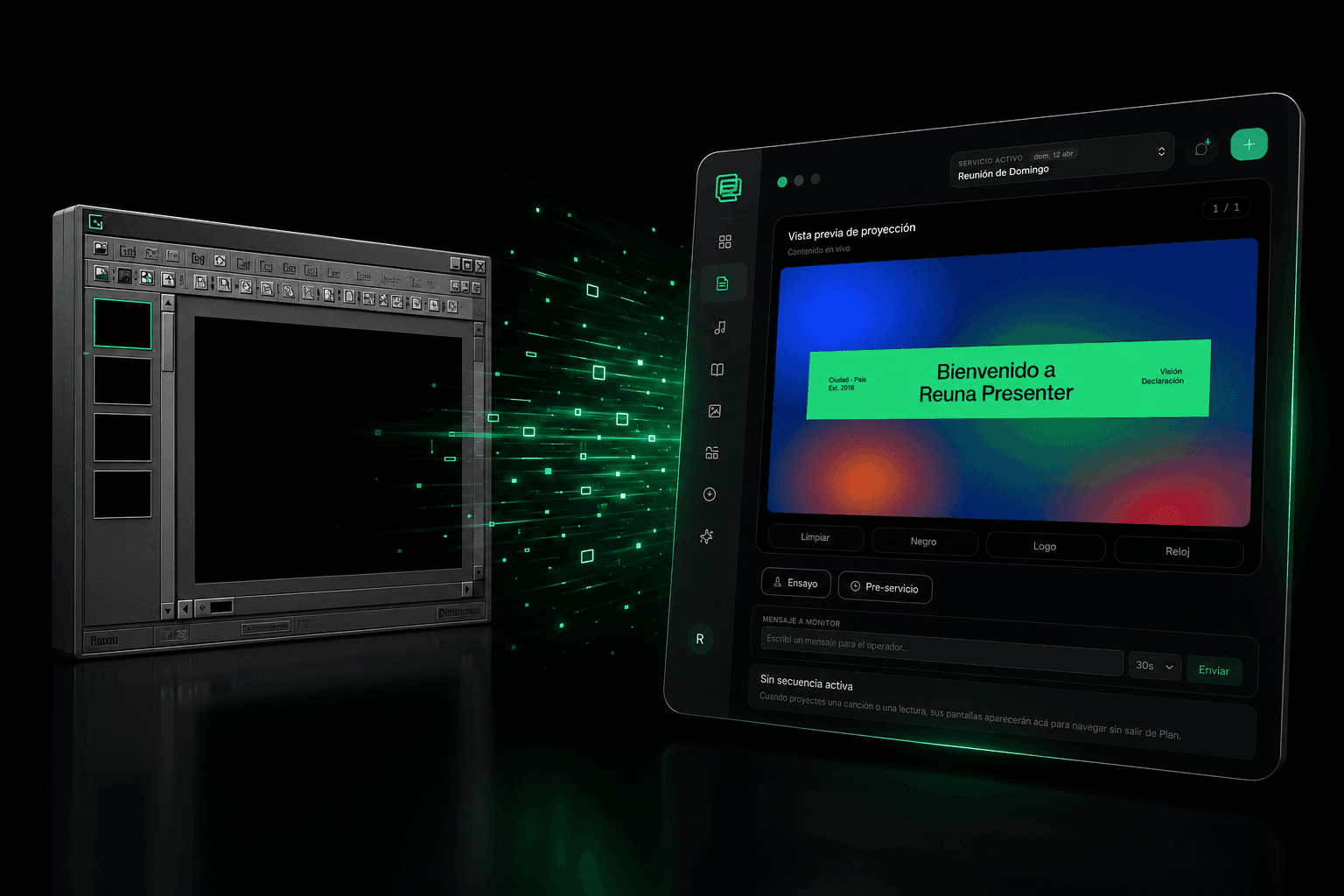
OpenLP Alternative: When It Makes Sense to Leave Free Open-Source Software
OpenLP is free and open-source, but requires self-managed installation and upkeep. We compare it with Reuna Presenter to see when switching makes sense.