How to Install Reuna on Your Church's Computer (and Why It's Worth It)
Reuna can now be installed as an app in two clicks, no download or admin password required. Here's the step-by-step and why it's worth doing.

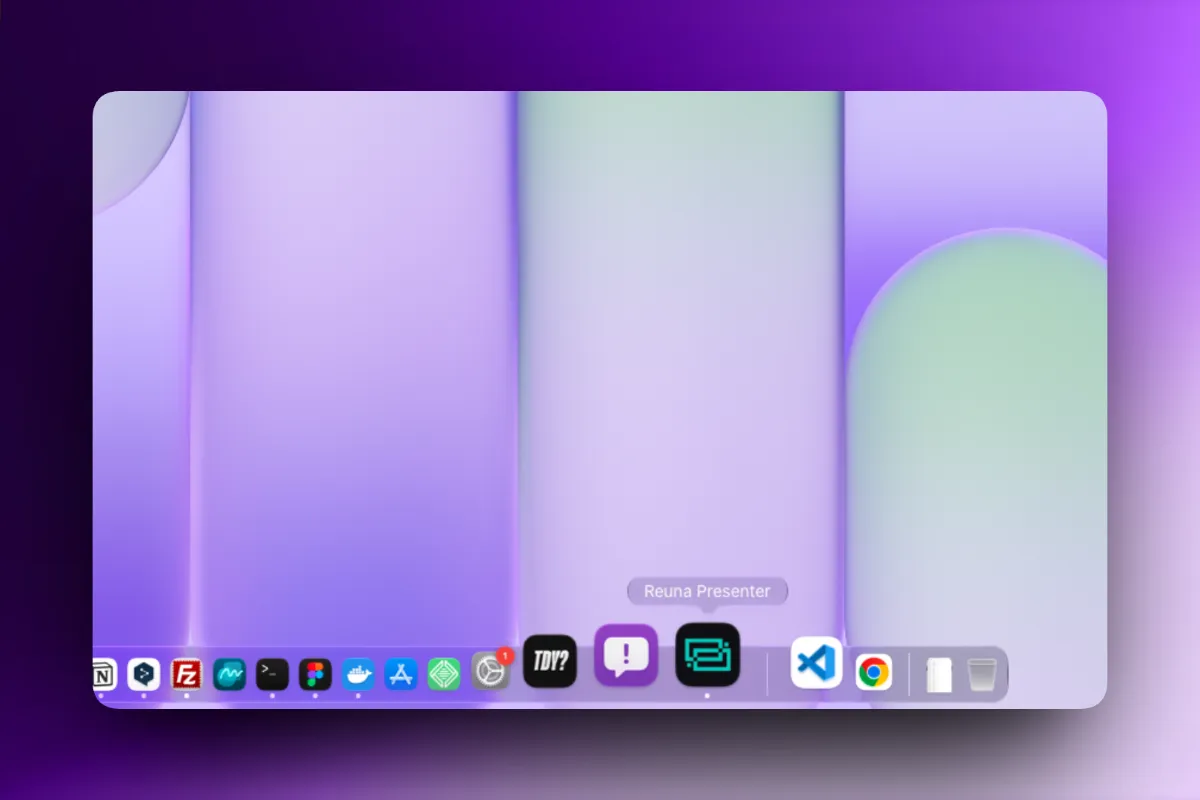
How to install Reuna on your church's computer (and why it's worth it)
Reuna is still 100% web — that hasn't changed. But starting with version 2.0, you can also install it as an app on your church's computer: it gets its own icon on the dock or taskbar, and opens in its own window, with no address bar or tabs alongside it.
It's not that Reuna stopped being web-based to become something else — it's that you now get both experiences, and you pick whichever suits the moment.
Why it's worth installing
In the middle of Sunday's service, there's no room for one extra click, or for accidentally closing the wrong tab. Installing Reuna as an app solves several small problems that, added up, create a fair amount of friction:
A new volunteer doesn't need to remember a URL. They click an icon, just like any other program on the computer — no need to explain what to type into the browser or which of the ten open tabs is the right one.
It starts faster, since it doesn't depend on opening the browser first and then navigating to the page.
It's its own window, with no distractions from other tabs and no risk of accidentally closing Reuna by closing the entire browser.
The detail that surprises people most
There's no installer to download, no executable to run, and no admin password to ask the person who manages the church's computer for. The whole process happens inside the browser, in two clicks.
This matters more than it seems: at many churches, the computer is managed by someone who isn't present every Sunday, or who isn't part of the tech team at all. Needing an admin password to install software is, in practice, the reason many tools never actually get installed. That obstacle doesn't exist here.
How to install it, step by step
1. Open Reuna from Chrome or Edge, on Windows or macOS (for now, installation works on these two browsers).
2. Project once — that's enough to trigger the install button appearing.
3. Look for the "Install app" button in the sidebar, next to the help center. You'll also see a one-time prompt offering to install it directly.
4. Confirm the install. No file gets downloaded — the icon appears on your dock (Mac) or taskbar (Windows) instantly.
It's the same account and the same data as always: installing the app doesn't create anything separate or require migrating anything. And it updates itself automatically, exactly like the web version — you'll never need to reinstall it.
What the installed app is not (so there are no surprises)
Worth being precise here, since it's easy to assume too much:
It's not a native app like ProPresenter. It's a PWA (Progressive Web App): it runs on the browser's engine, not as a separately compiled program. The advantage isn't that it's "native" — it's that there's no traditional installer or per-device license to manage.
It's not 100% offline. If the service was already loaded before an internet outage, the current projection can keep running. But opening Reuna from scratch without a connection, or loading new content from the cloud, still needs internet — you need to have opened Reuna at least once with a connection on that computer before installing it.
It's only available on Chrome and Edge for now. On Safari or Firefox, Reuna keeps working exactly as it always has — you just won't see the option to install it as an app yet.
Frequently asked questions
Do I need admin permissions to install Reuna? No. The whole process happens inside the browser, with no external installer or admin password.
Can I install Reuna on Safari or Firefox? Right now, installing the app is only available on Chrome and Edge. On Safari and Firefox, Reuna works as it always has, from the browser.
If I install the app, do I lose access to my songs or service plan? No. It's the same account and the same data — installing doesn't create a separate space or require migrating anything.
Does the installed app work without internet? Partially. If the service was already loaded before an outage, the projection in progress can keep running. But opening Reuna from scratch or loading new content still requires a connection.
Ready to try Reuna?
Start free in the browser, with nothing to install. Forever-free plan, no credit card, and a free app for Mac and Windows.
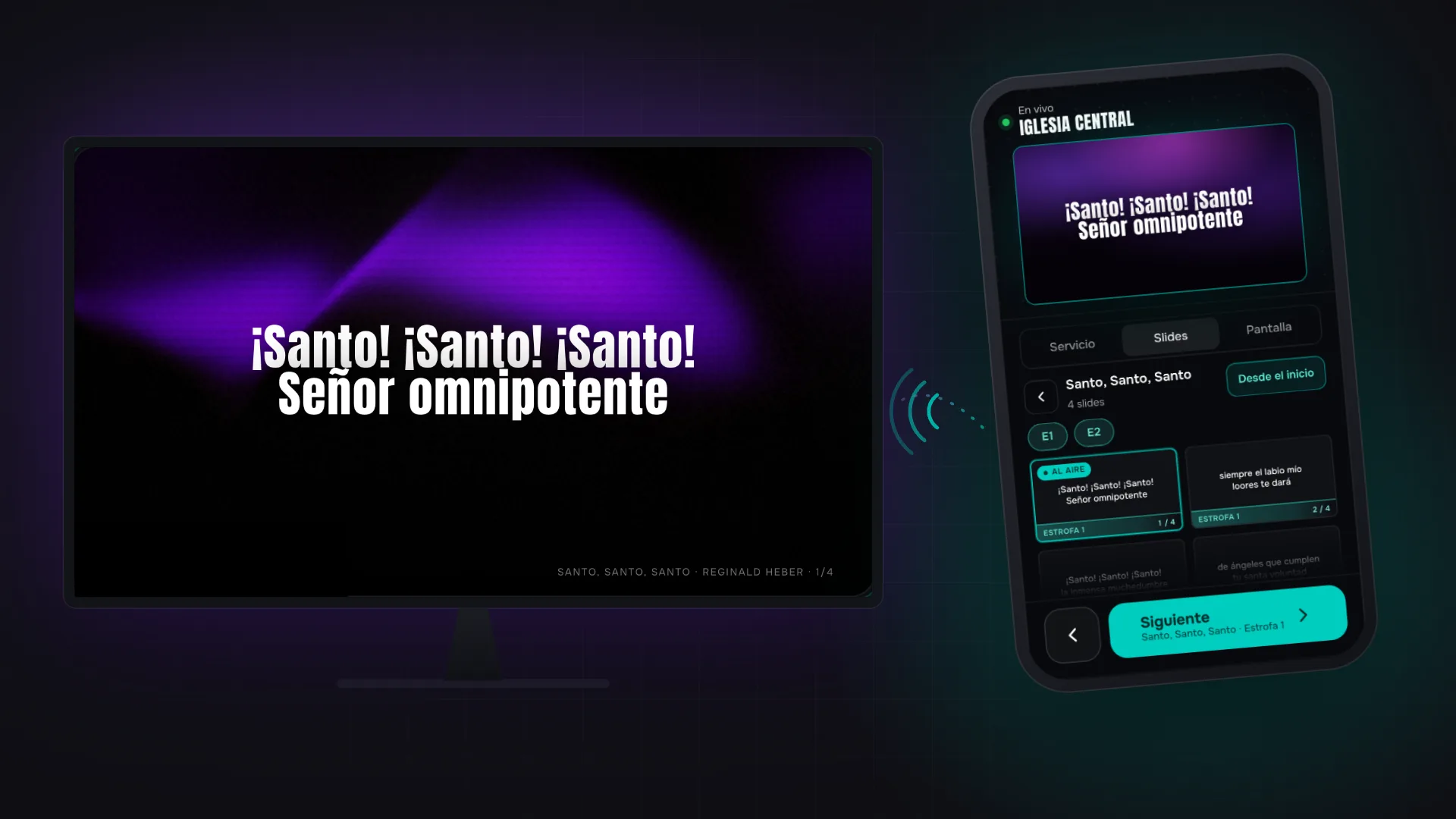
Phone Remote Control: Run Church Projection Without Being in the Booth
With Reuna's remote control, scan a QR code and your phone shows what's on air, steps through the service and projects, with nothing to install.
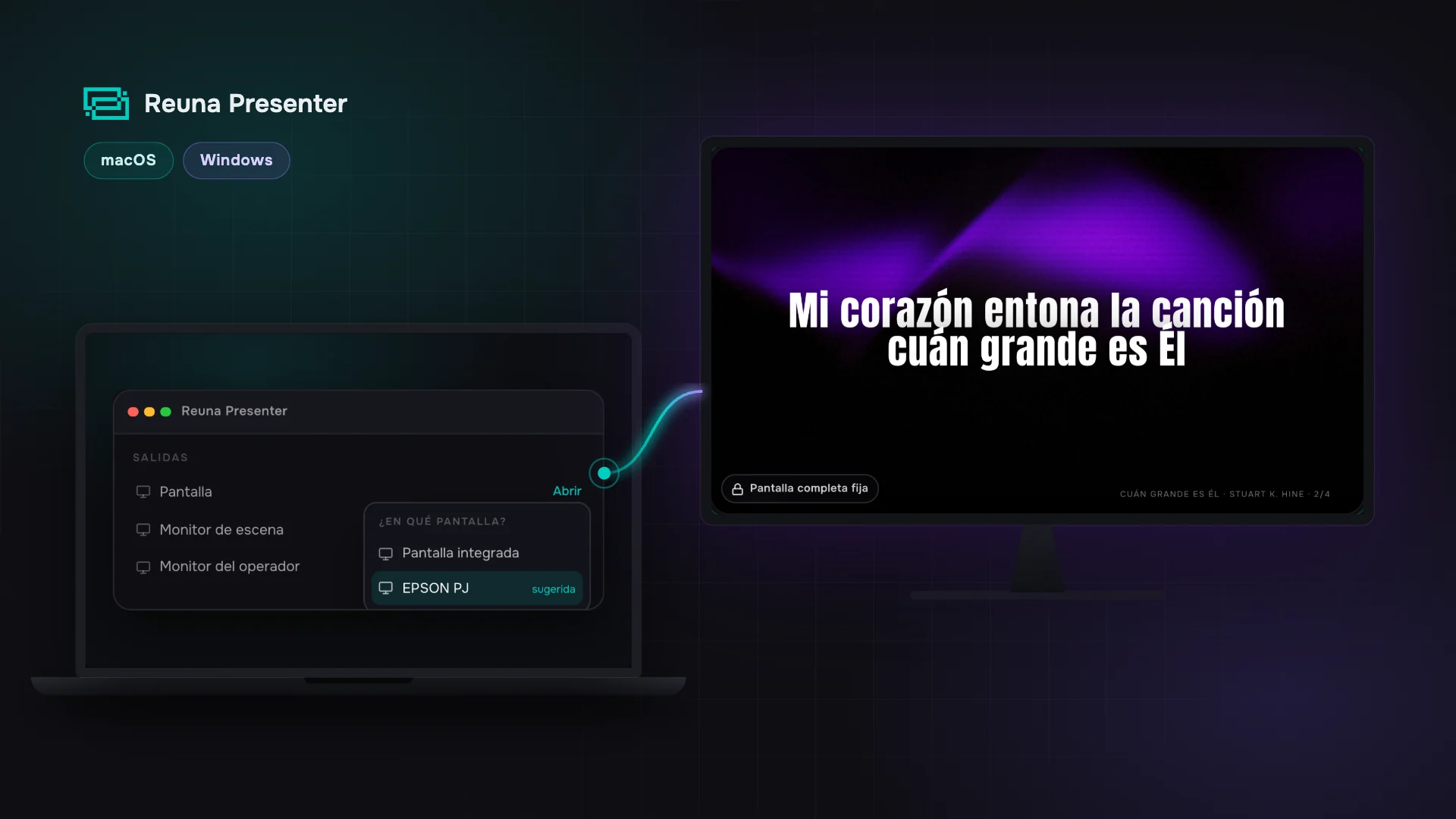
Desktop App for Church Projection: Reuna for Mac and Windows
Reuna's free desktop app keeps every output on its projector even when you open a file, and puts it back on its own if a cable slips. Here's how to use it.
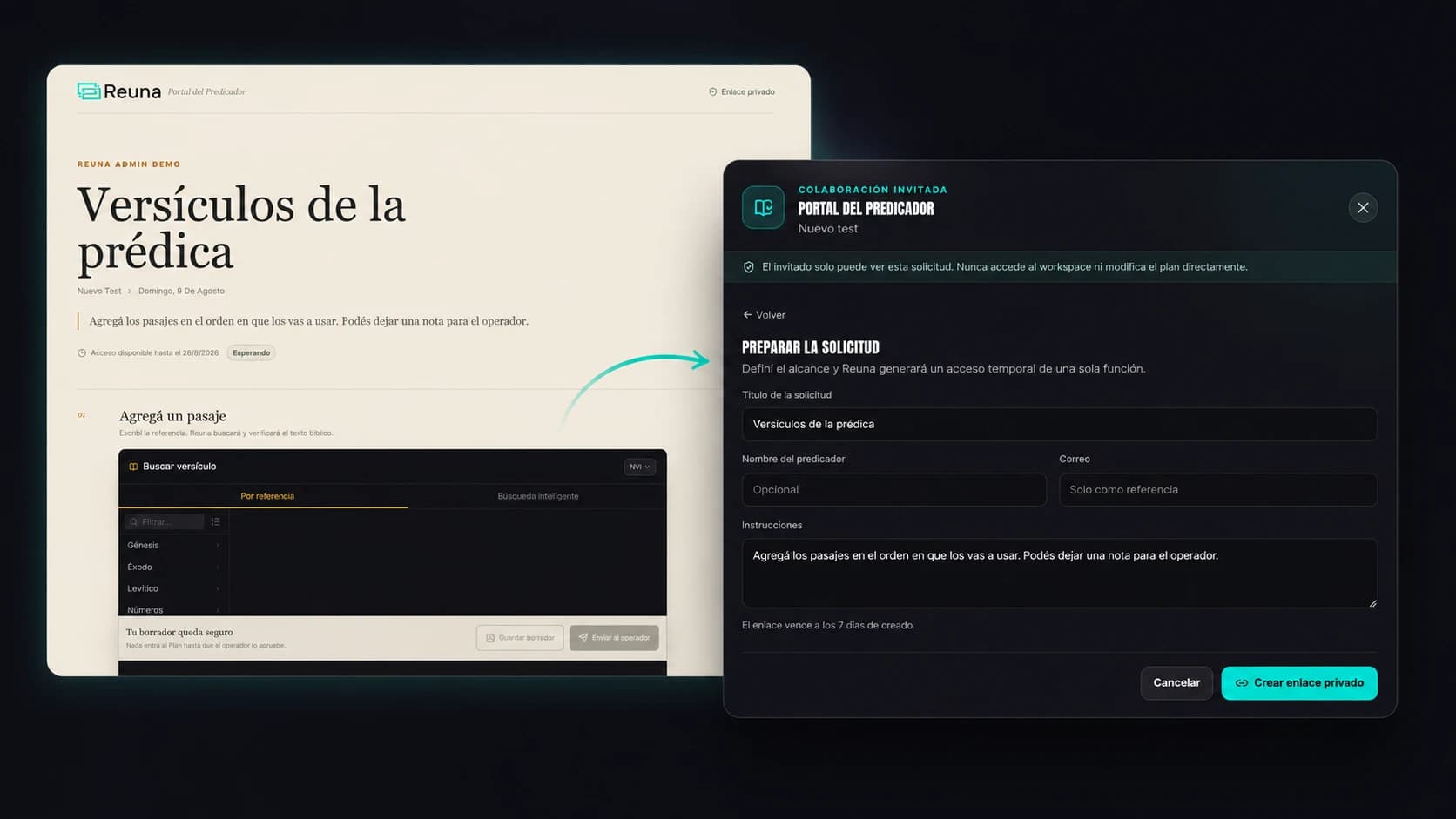
Preacher Portal: No More Chasing Your Guest Speaker Over WhatsApp
Reuna's Preacher Portal lets a guest speaker add their scripture references from their phone, no account needed, while you approve every item.