Preacher Portal: No More Chasing Your Guest Speaker Over WhatsApp
Reuna's Preacher Portal lets a guest speaker add their scripture references from their phone, no account needed, while you approve every item.

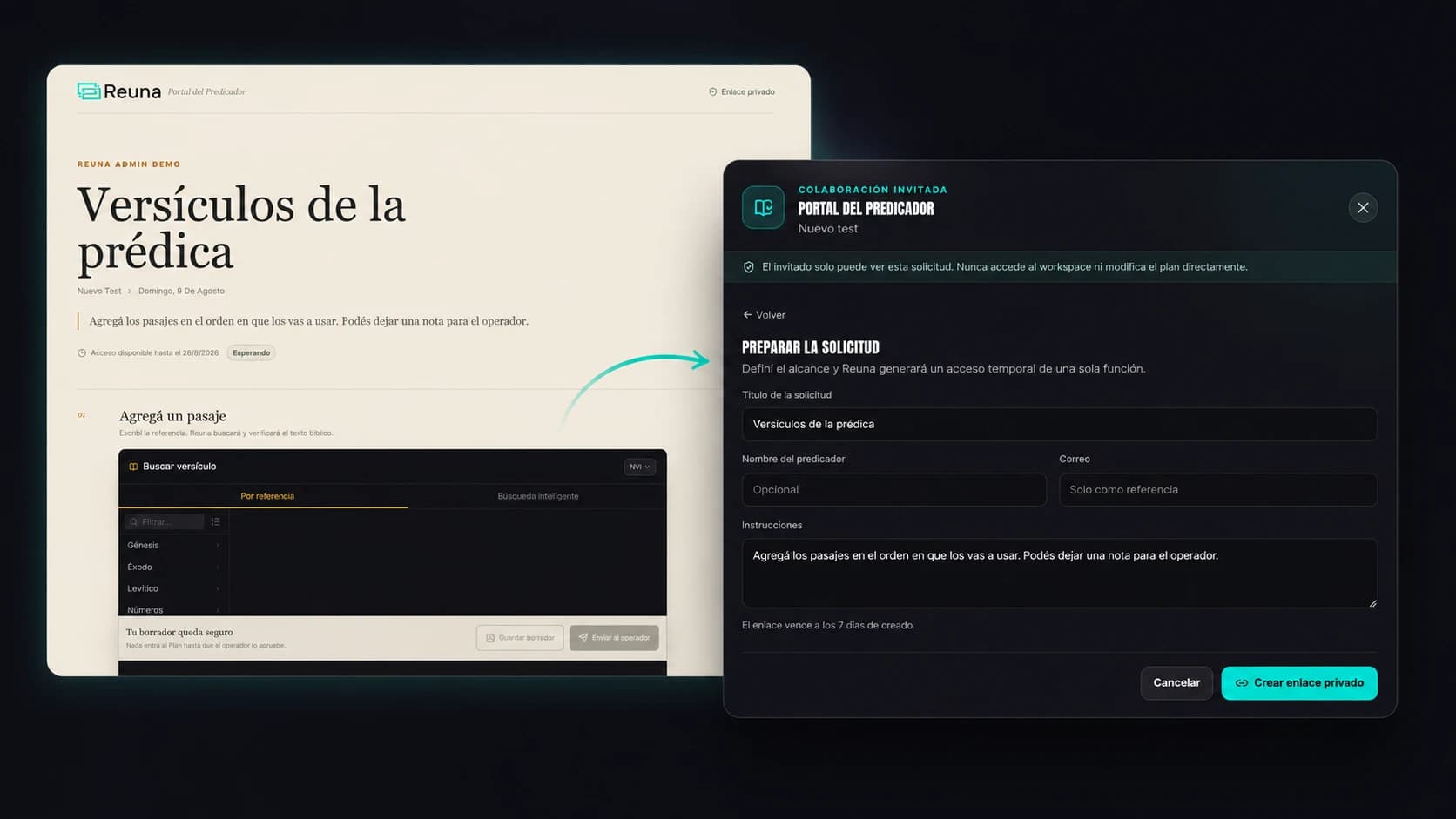
Preacher Portal: no more chasing your guest speaker over WhatsApp
If you've ever coordinated projection for a service with a guest speaker, you know the scene: Saturday night you text asking for the scripture references they'll use, they reply with an incomplete list over WhatsApp, one passage is cited wrong, and Sunday morning you're improvising the scripture on the spot because no one confirmed the final order.
Reuna's Preacher Portal exists specifically to take that friction out of the equation.
What the Preacher Portal is
It's a private link you send to a guest speaker. They open it from their phone, no need to create an account or remember a password, and from there they add the Bible passages and title ideas they'll use in their message. You see everything come in in real time, and nothing gets added to the service plan without your approval.
How it works, step by step
1. You generate the private link from Sunday's service plan and send it to the guest speaker through whatever channel you normally use (WhatsApp, email, whatever) — except this time the message includes a link, not a list of requests.
2. The speaker adds their passages from their phone: they type the Bible reference (say, "Philippians 4:6-7"), pick the translation, and can add a note or title idea for each one. No account creation, nothing to install.
3. Every passage is automatically verified against the actual Bible text. No more classic mistyped verse showing up on screen mid-message.
4. You review what came in, item by item. You can approve, request changes, or exclude any passage before it enters the service plan — the speaker never gets access to the full workspace, only to their own request.
5. The link expires automatically after 7 days, and you can revoke it at any time if needed.
Why this matters more than it seems
In a local church, a guest speaker isn't always predictable: they change topics last minute, add a verse that wasn't in the original conversation, or simply forget to send you anything until Saturday night. The Preacher Portal doesn't fix human unpredictability, but it does remove the operational friction around it — the speaker can add content from their phone at any time, and you keep full control over what ends up on screen and what doesn't.
It's also a feature that doesn't depend on the speaker being tech-savvy. There's no need to explain how Reuna works — you just share a link and they fill out a simple form from their phone's browser.
When to use it
It makes sense to turn it on whenever you have a guest speaker who isn't part of your church's usual team: a pastor from another congregation, a visiting missionary, a speaker for a special event. For your local church's own pastor, you probably already have an established workflow — but for guests, the Portal removes the most unpredictable part of service prep.
If you're still coordinating scripture references with guest speakers over WhatsApp, try the Preacher Portal on your Reuna account the next time you have a guest.
Frequently asked questions
Does the guest speaker need to create a Reuna account? No. The Preacher Portal works through a private link — the speaker fills everything out from their phone's browser, no account or password required.
What happens if the speaker gets a Bible reference wrong? Every passage is automatically verified against the actual Bible text before it's shown, so typos or reference errors are caught before reaching the screen.
Can I revoke the link if I no longer need it? Yes. The link expires automatically after 7 days, but you can also revoke it manually at any time from your account.
Ready to try Reuna?
Start free in the browser, with nothing to install. Forever-free plan, no credit card, and a free app for Mac and Windows.
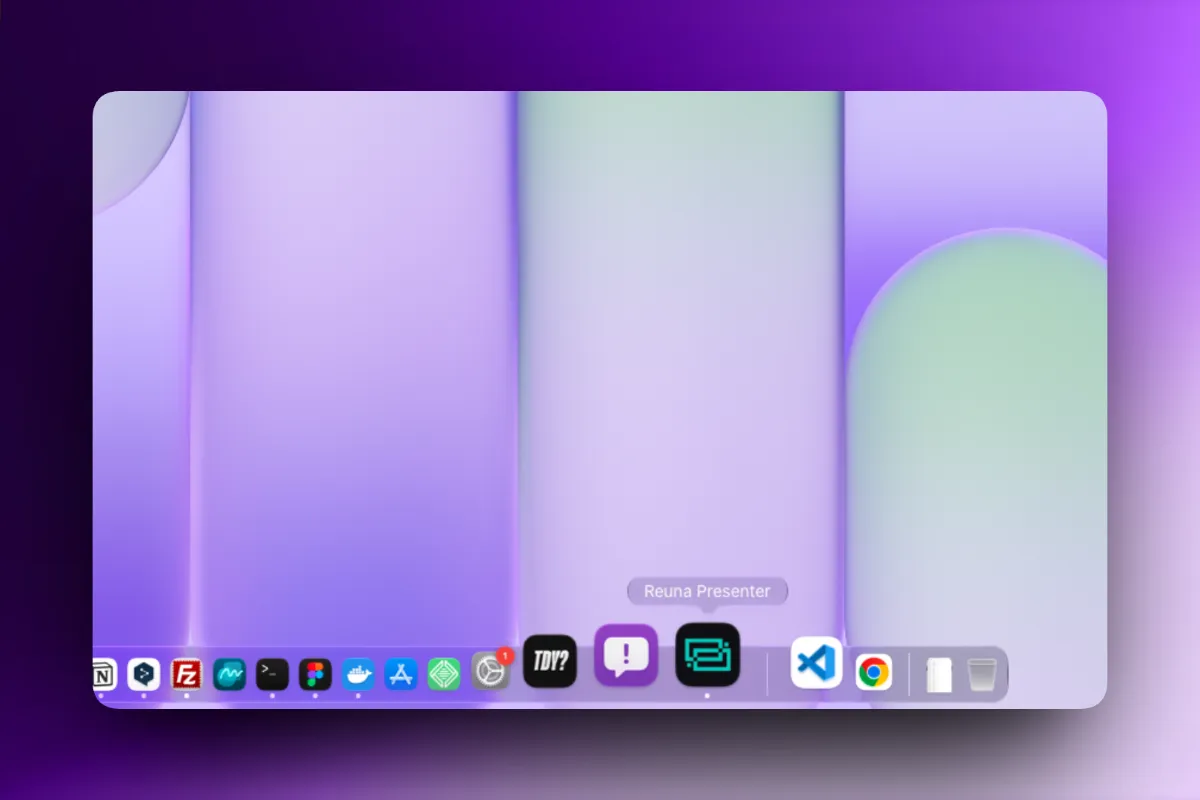
How to Install Reuna on Your Church's Computer (and Why It's Worth It)
Reuna can now be installed as an app in two clicks, no download or admin password required. Here's the step-by-step and why it's worth doing.
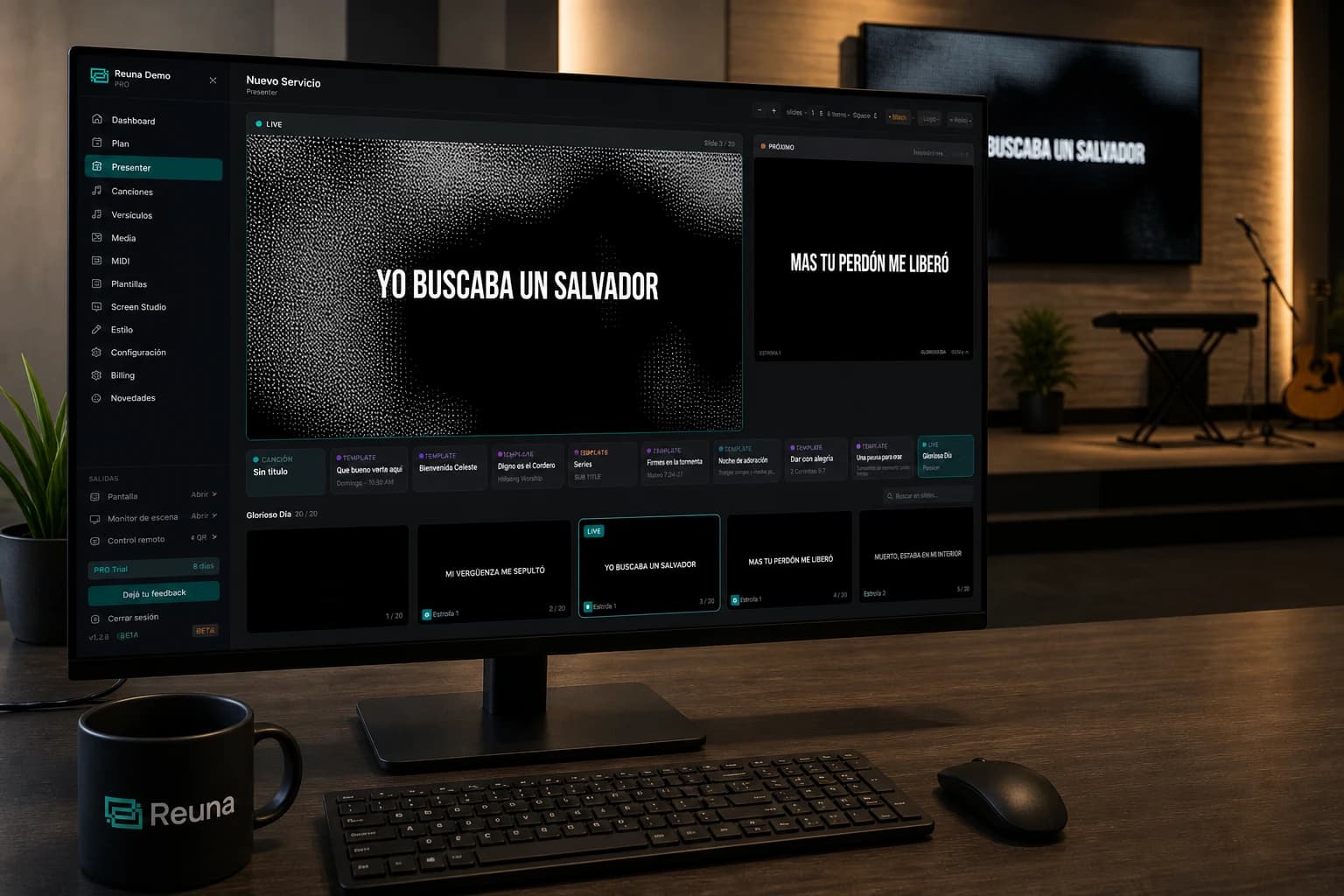
Multi-screen setup for small churches: step-by-step on a tight budget
How to build a setup with a main screen + stage monitor + remote control in a small church for under $500 USD. Hardware, configuration and troubleshooting.
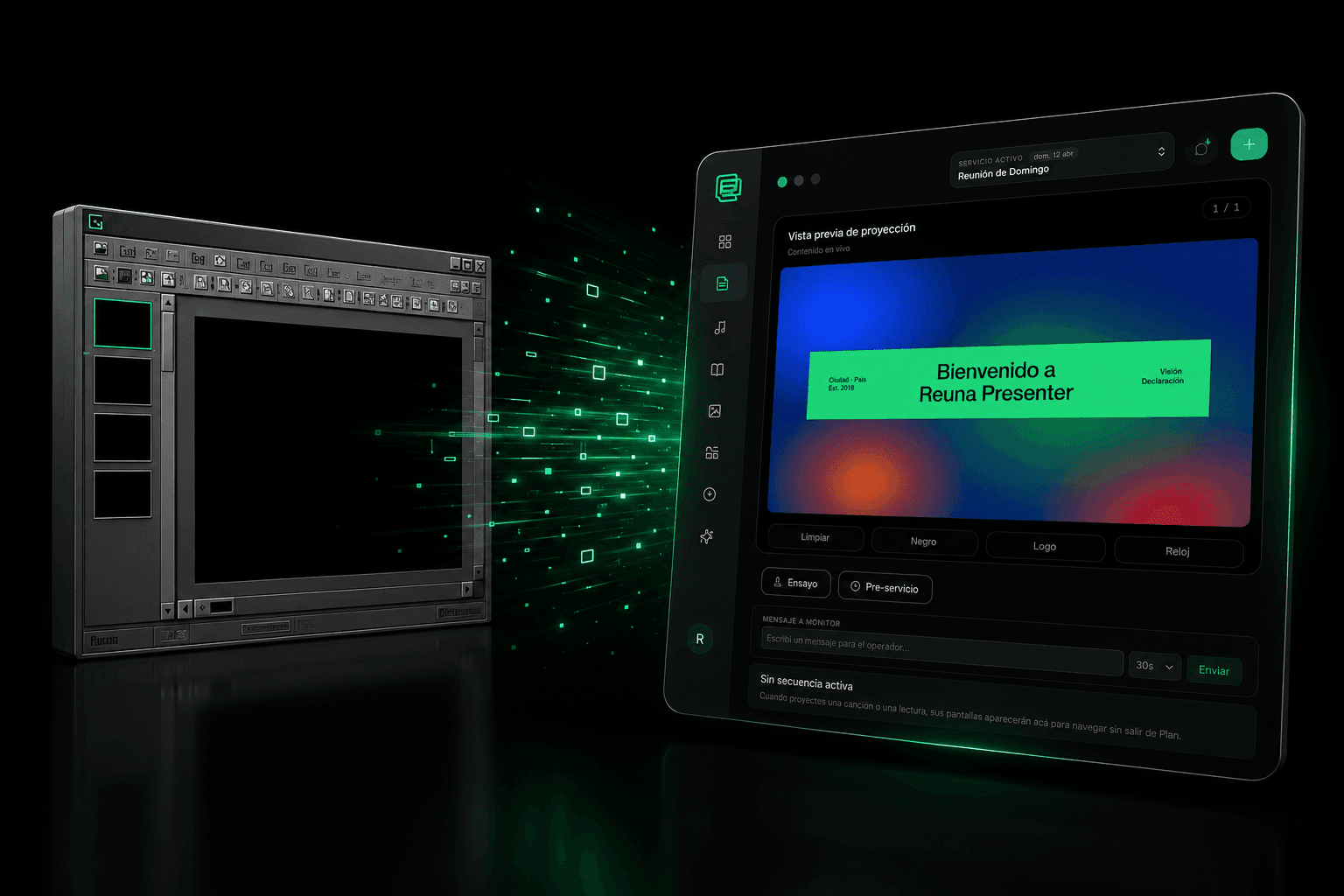
OpenLP Alternative: When It Makes Sense to Leave Free Open-Source Software
OpenLP is free and open-source, but requires self-managed installation and upkeep. We compare it with Reuna Presenter to see when switching makes sense.