How to play a YouTube video on church screens without downloading it
Paste the link into a Video item and project it from the plan. What it needs, its limits, and what YouTube and ProPresenter say about permissions.

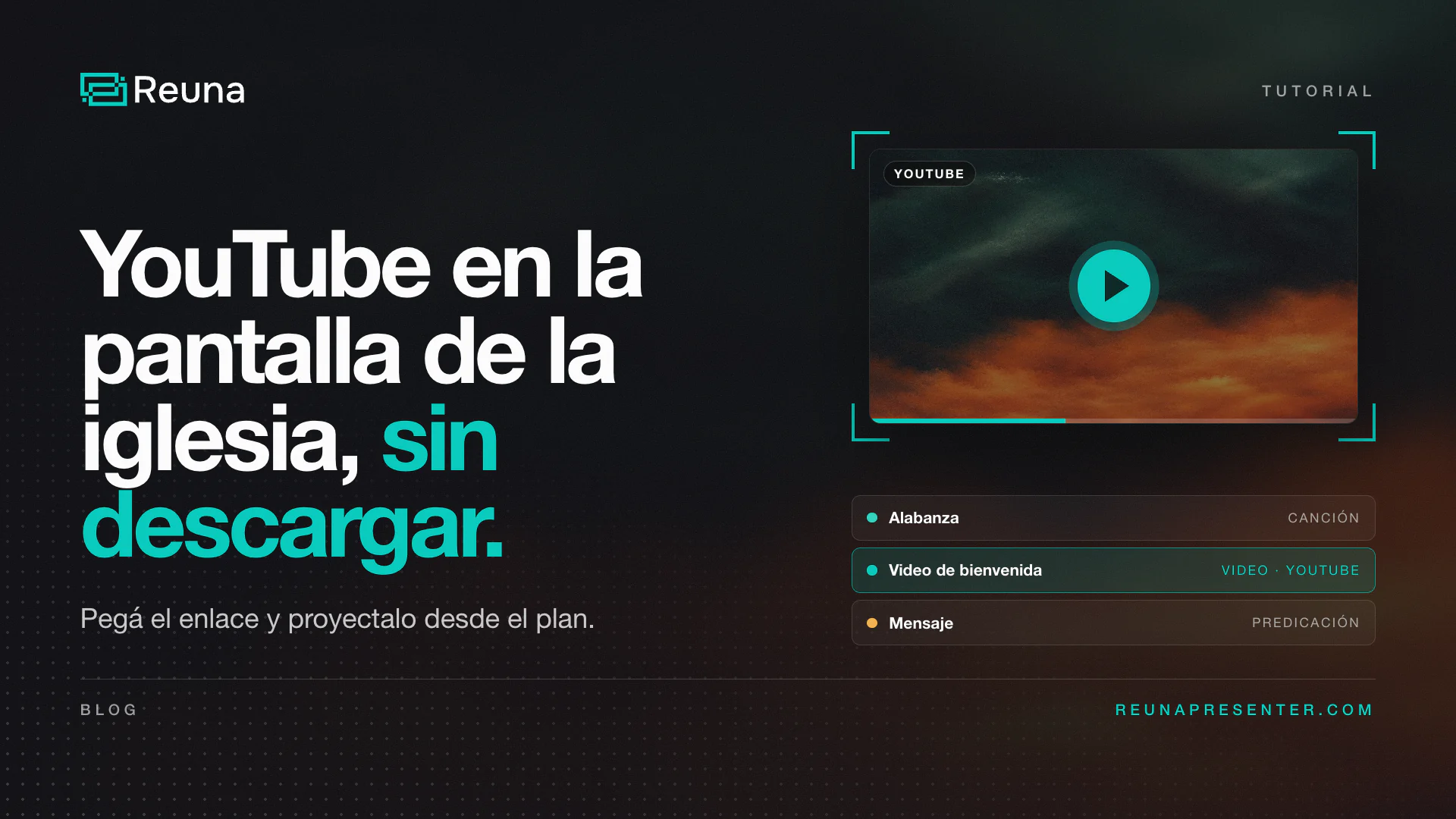
To play a YouTube video on your church screens without downloading it, paste the link into a Video item in your service plan: Reuna plays it through YouTube's embedded player, in the same output that shows lyrics and Bible verses. It works as long as the computer is online and the video's owner allows embedding. Other programs ask you to download the file first, which raises a permissions question.
Two paths: a local file or a YouTube link
There are two ways to get a video into your projection:
- Local file. The video lives on the computer (or in the program's library). It doesn't depend on the internet and usually lets you trim the start and end. But someone had to get that file, which is exactly the delicate part with YouTube videos.
- Embedded link. The program stores the address and shows YouTube's player inside the output. It takes no disk space, but it depends on the connection and on the video allowing embeds.
For announcements, a testimony video or an intro that's already uploaded, a link is the easiest. For a worship background that will play every Sunday, a file you own or have licensed is a better fit.
How to do it in Reuna, step by step
Reuna gives you two doors to the same result:
- From the plan. In the service, click Add › Video and paste the YouTube URL in the picker. It becomes one more item in your order of service, between a song and the sermon.
- From Media. In the library choose Add YouTube, paste the link, then use Add to plan on the card. The link stays in your library so you can reuse it in other services (the library stores only the address, not the video).
- Project the item like any other. The video starts muted by default and the operator turns sound on with the Unmute button; sound comes out of a single output window, so two screens don't create an echo. You also get pause, back to start and skip.
- No controls on screen. The player shows without YouTube's control bar and, when it ends, starts over (loop), like a looped video of your own.
If you don't have an account yet, there's no plan limit specific to YouTube, so you can try it on the free plan: create your account and paste a link into a test service. What each plan includes is on the pricing page.
The limits (and how to prepare)
An embedded link is not a file, and it's worth knowing before Sunday:
- It needs internet. If the network drops, the YouTube video won't load. Reuna's offline download, Prepare service, readies images, your own videos and backgrounds, but YouTube is explicitly marked as needing a connection.
- No trimming. The start/end trim Reuna offers for uploaded videos doesn't apply to YouTube: it plays in full and the loop returns to 0:00.
- Some videos can't be embedded. If the creator disabled embedding, the player won't show it. FreeShow warns about this in its docs, and it's a limit of any program that uses the embedded player.
- The video can change. If the owner deletes it, makes it private or changes its settings, your item stops working. Test it at rehearsal, not on Sunday.
A practical rule: if the video is essential to the service, have a plan B. A file you own, with permission, as a backup in the same service.
What other programs do
| Program | What its documentation says |
|---|---|
| ProPresenter | Renewed Vision's support article says playing a video inside ProPresenter's web browser "does not work well" and recommends a local copy; it gives no download steps, citing the complexity of copyright. |
| FreeShow | In the Media drawer, Online tab, you can add YouTube or Vimeo links; it warns that some videos won't work because the creator disabled embeds. |
| EasyWorship | Its "Videos" help page (modified December 2020) describes local files and doesn't mention YouTube; check your version for anything newer. |
| Reuna | YouTube link as a Video item or from Media, no download, with the limits above. |
If you're comparing programs on this and other points, see Reuna vs ProPresenter, Reuna vs EasyWorship and Reuna vs FreeShow.
Permissions: what YouTube and ProPresenter say
Putting a video on the church screen isn't the same as watching it at home. This is what we read:
- YouTube's Terms of Service (version effective January 2022) allow showing videos with the embeddable player and restrict downloading or using content by other means without written permission from YouTube and rights holders. They also limit uses that aren't personal and non-commercial, giving public showing of videos as an example.
- Renewed Vision (ProPresenter) states that being on YouTube doesn't give you the right to show a video at your event, that the uploader may not own everything in it, and suggests asking them for a copy and permission.
We're not lawyers and this isn't legal advice. The safest route is videos you own, videos with a license, or ones the author approves, and checking how it applies where you live. For music, permission for the song and permission for the video are different things.
Quick Sunday checklist
- Open the video at rehearsal, on the same computer and network as the service.
- Check that sound comes out of the right output and have the sound toggle ready.
- Keep a local backup (with permission) if the video is essential.
- If you use several screens, review the multi-screen setup guide.
- Build it all in the service plan so the video shows up in its place, with no searching live.
Frequently asked questions
Can I play a YouTube video on the church projector without downloading it? Yes, if the program uses YouTube's embedded player. In Reuna you paste the link into a Video item and project it from the plan. You need internet and a video that allows embedding.
Why won't my YouTube video load in the program? The usual causes are no connection, the creator disabled embedding, or the video was deleted or made private. Try opening it in a browser on the same computer and check the network.
Can I trim the start and end of a YouTube video? Not in Reuna: trimming works with uploaded or local videos. A YouTube video plays in full and, with the loop, returns to 0:00. If you need a clip, you need a file you own with permission.
Does offline mode work with YouTube videos? No. Reuna's offline preparation covers your images, your own videos and backgrounds; YouTube requires a connection. Bring a local plan B for anything important.
Is it legal to project YouTube videos during a service? It depends on the video and your country. YouTube's terms restrict non-personal uses and downloading without permission, and Renewed Vision recommends asking the uploader. Check how it applies to you.
Ready to try Reuna?
Start free in the browser, with nothing to install. Forever-free plan, no credit card, and a free app for Mac and Windows.
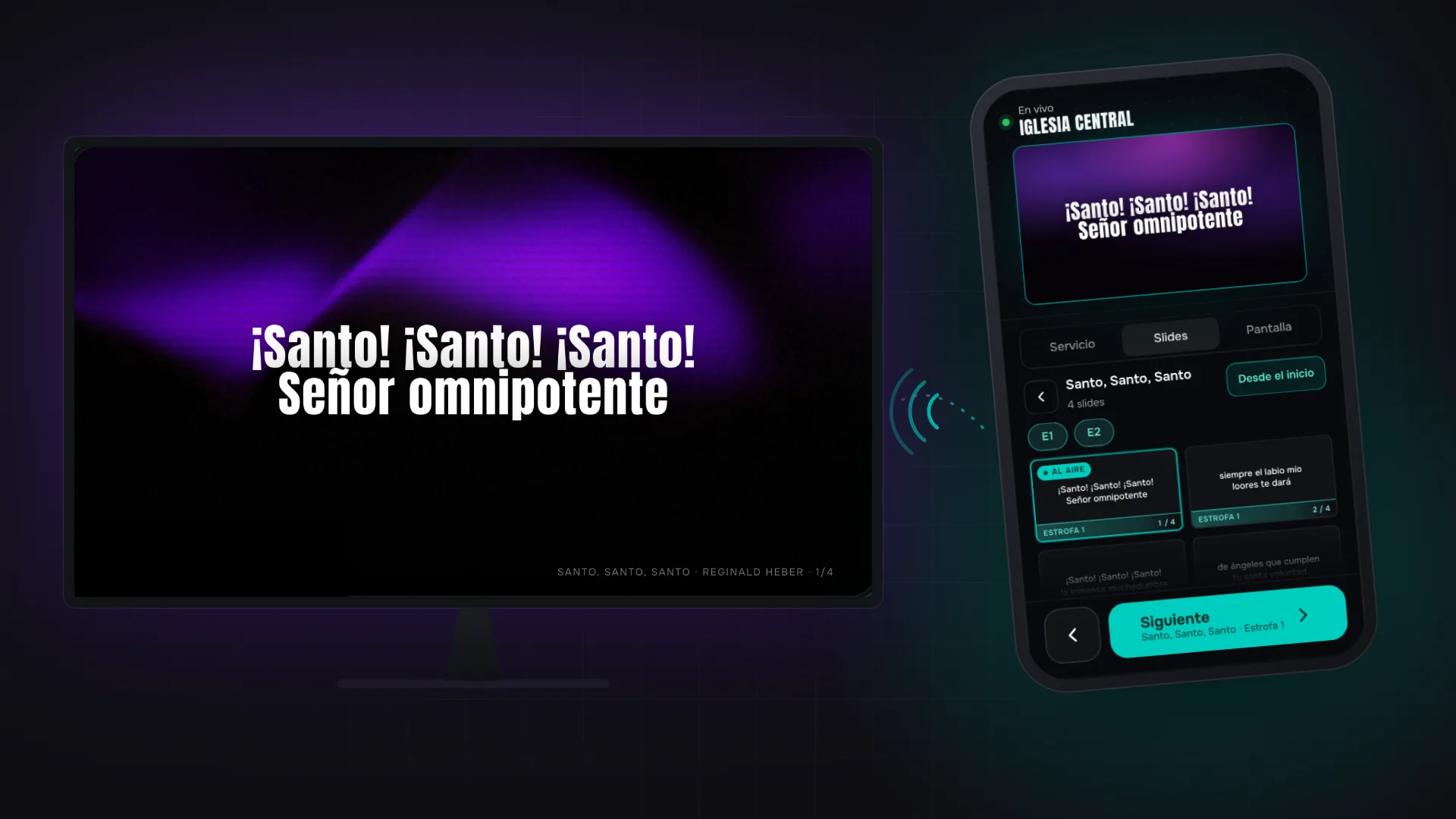
Phone Remote Control: Run Church Projection Without Being in the Booth
With Reuna's remote control, scan a QR code and your phone shows what's on air, steps through the service and projects, with nothing to install.
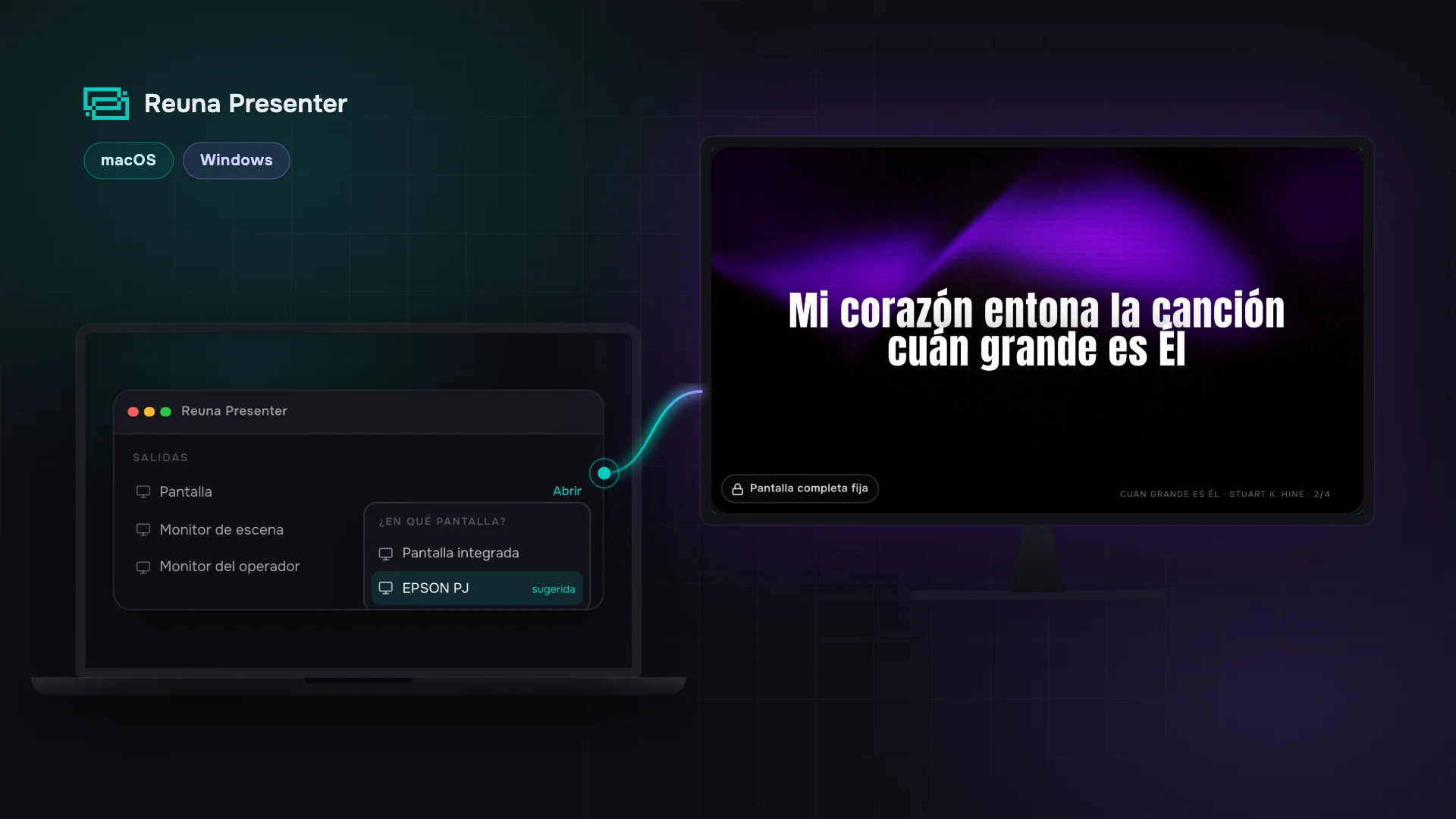
Desktop App for Church Projection: Reuna for Mac and Windows
Reuna's free desktop app keeps every output on its projector even when you open a file, and puts it back on its own if a cable slips. Here's how to use it.
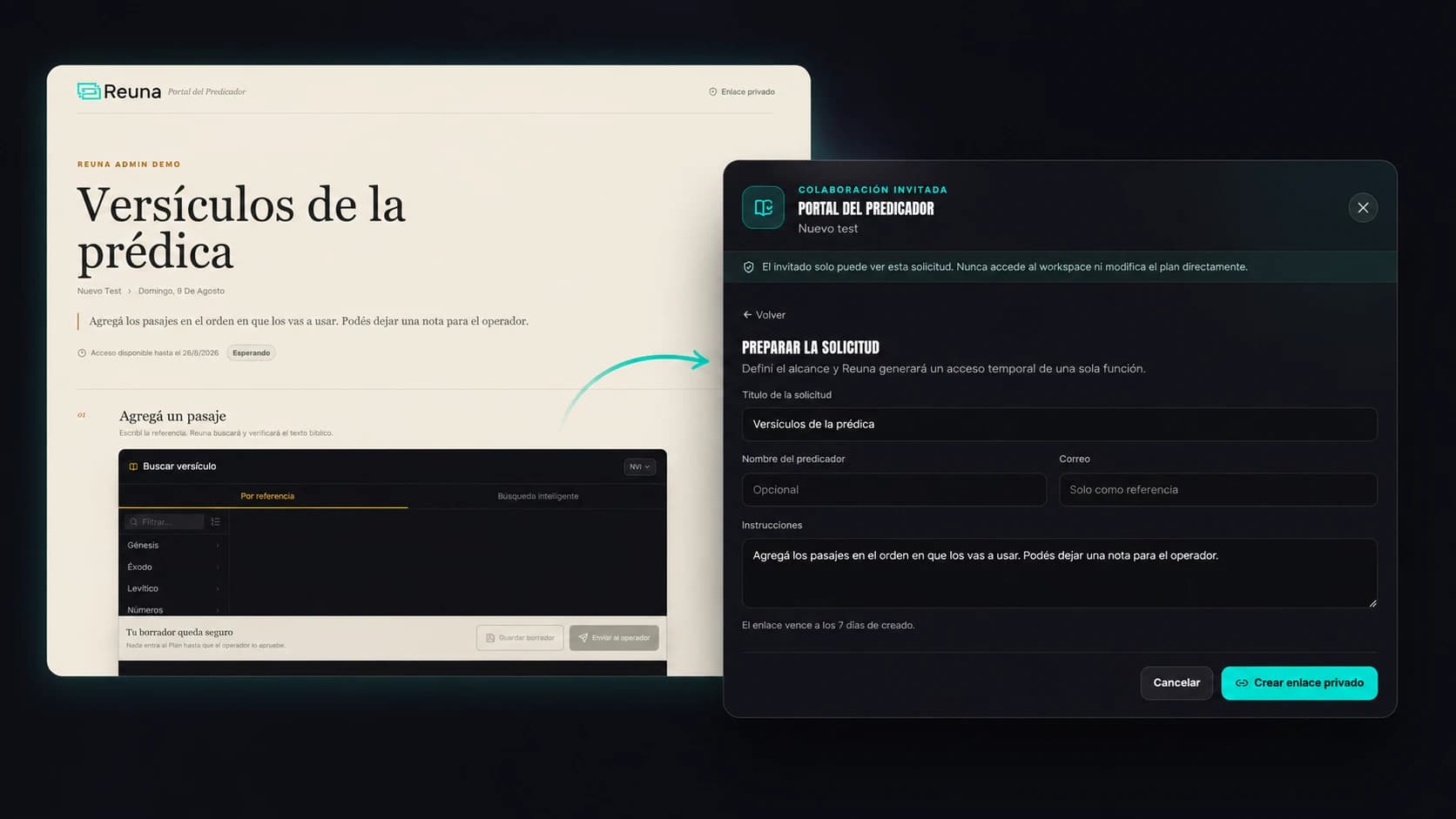
Preacher Portal: No More Chasing Your Guest Speaker Over WhatsApp
Reuna's Preacher Portal lets a guest speaker add their scripture references from their phone, no account needed, while you approve every item.